
Life planner — App
Original price was: 34.00$.17.00$Current price is: 17.00$.
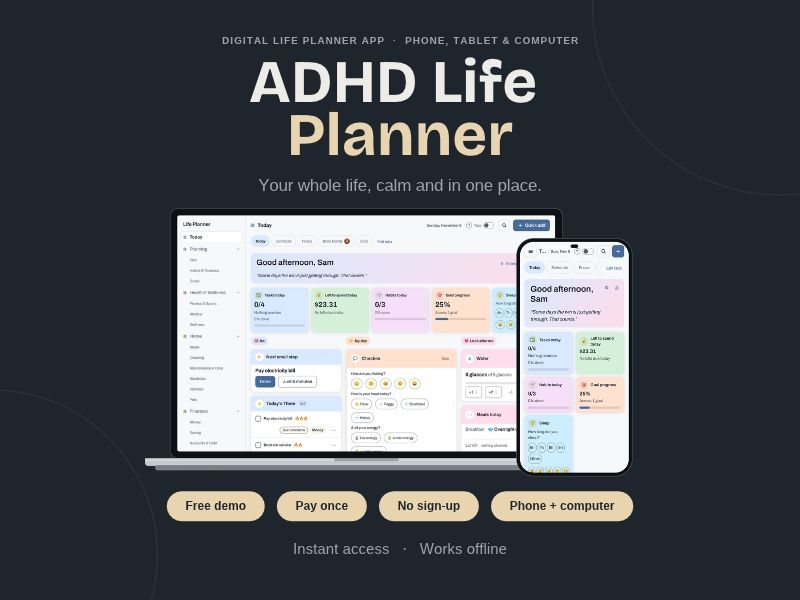
An all-in-one personal organization app that you can use on your computer, tablet, and phone. No subscription, no login required.
🎁 TRY IT FREE BEFORE YOU BUY
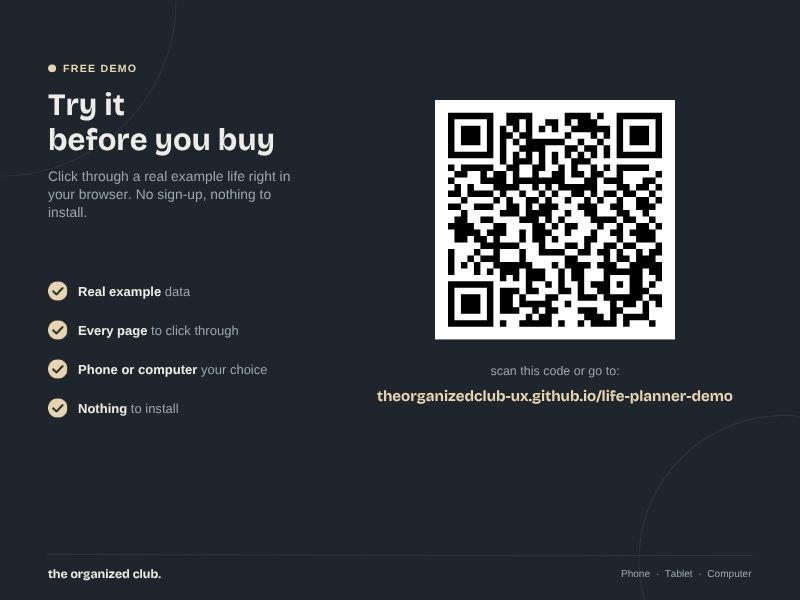
Open the free demo in your browser and click around a full example life:
https://theorganizedclub-ux.github.io/life-planner-demo/
The demo is the real planner with example tasks, habits, meals and more. Change anything you like and add up to 40 new things. It stays in that browser only, so it's for trying, not for planning your real life. That part is the full version.
📌 WHAT THIS IS
A life planner you open in your web browser, on your computer, tablet or phone. You get a private link that opens it like an app. No app store, no sign-up, no internet needed once it's on your device.
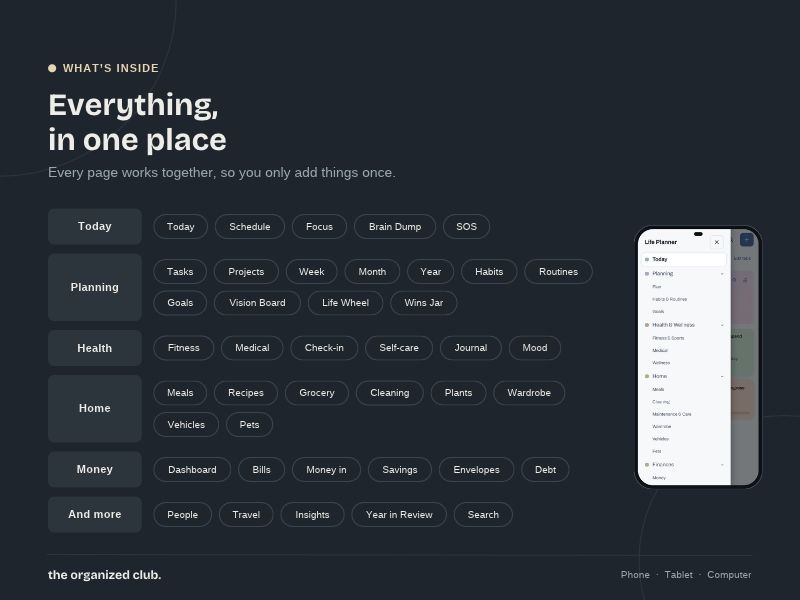
It starts small. Pick the areas of life you want, and everything else stays out of sight until you switch it on. 20 planner sections in one place, from today's to-do list to meds, meals, money and travel.
☀️ TODAY
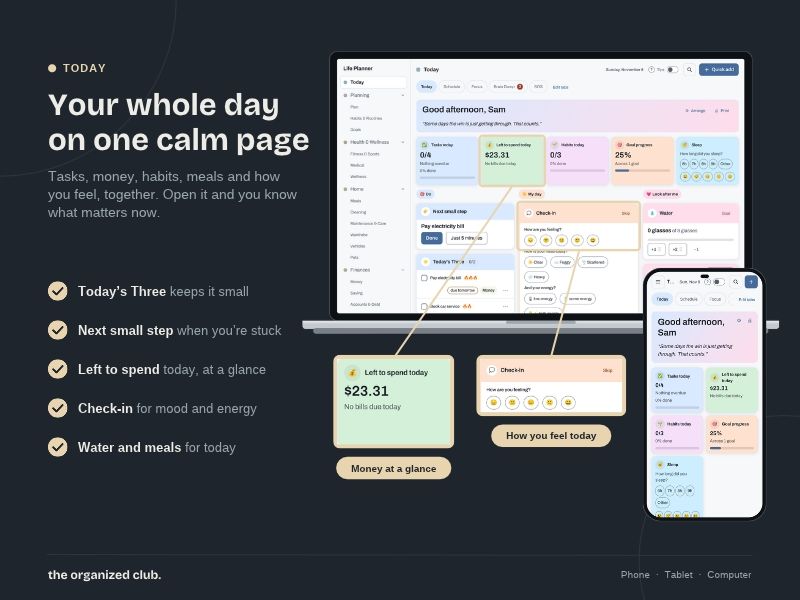
• Today's Three: the three things that matter most. Finishing one never pulls in more
• Now and Next, with how long until your next thing starts. Help for time blindness
• A timeline of your day with a "now" line
• Due soon, overdue and everything else for today, never twice on one screen
• A quick check-in: sleep, energy, mood, water
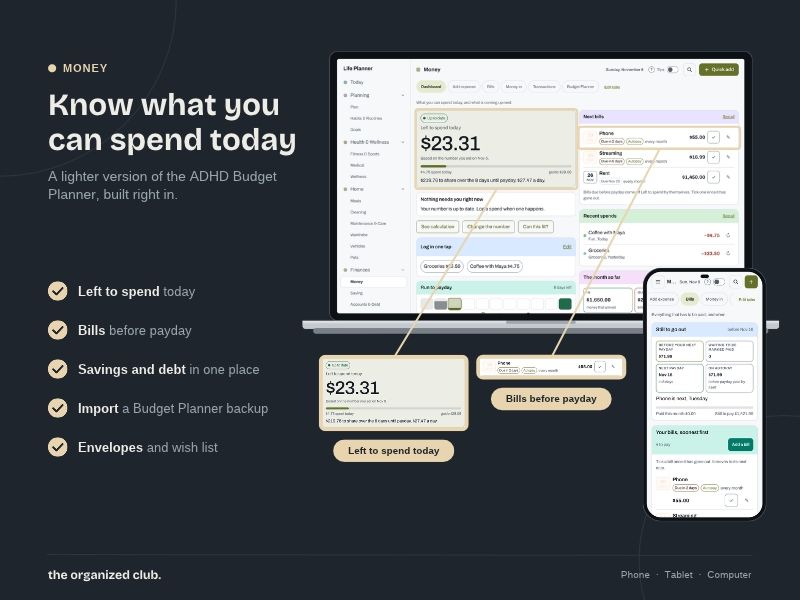
• Left to spend today, meds to take and birthdays, right on Today
🆘 FOR THE HARD DAYS
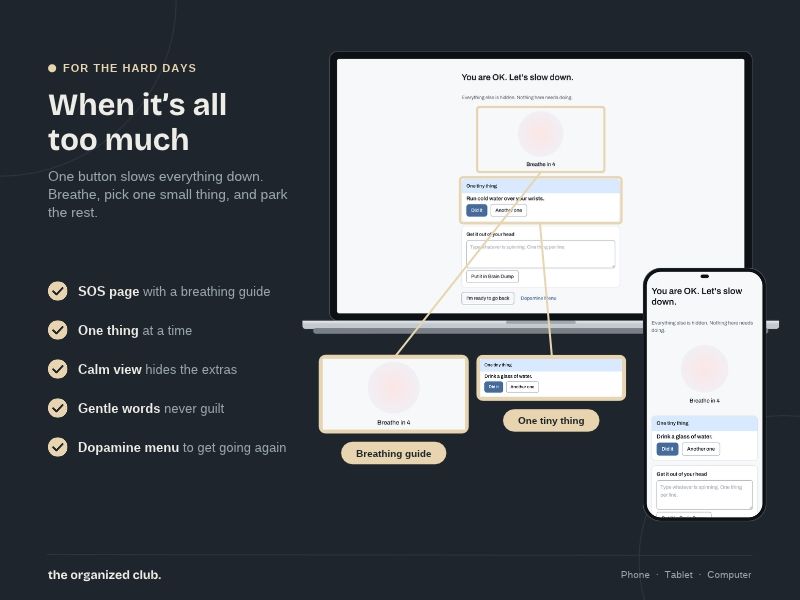
• Overwhelm SOS: one calm screen, breathe, one tiny action, everything else hidden
• Gentle day: one task, tiny habits and a clear finish line
• Stuck?: pick why, and get a next move
• Just 5 minutes, Pick for me and Running late
• Close the day moves what's left to tomorrow in one step
• Welcome back after days away: a clean restart, nothing deleted, no catch-up
• Dopamine menu: your own quick pick-me-ups, sorted by time
🧠 BRAIN DUMP AND FOCUS
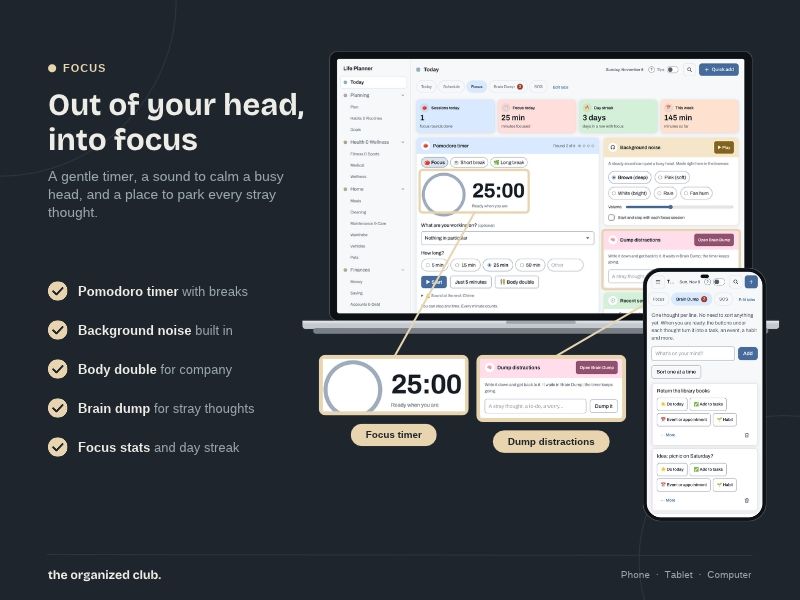
• Brain Dump: one thought per line, then sort them one at a time
• Quick add from anywhere: type "call mum tomorrow 5pm" and it understands
• Focus timer with the task and its next step on screen
• Park a stray thought without leaving the timer
• Body double mode for company while you work
✅ TASKS AND PROJECTS
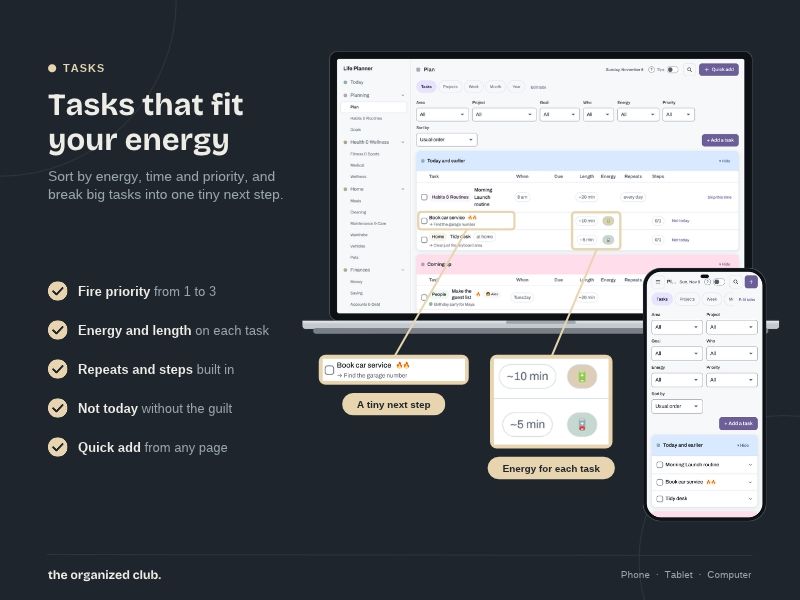
• Tasks with a tiny first step, checklist, priority, energy level, time and due date
• A planned day and a deadline, both shown
• Repeating tasks that never pile up
• Filters, sorting and foldable lists
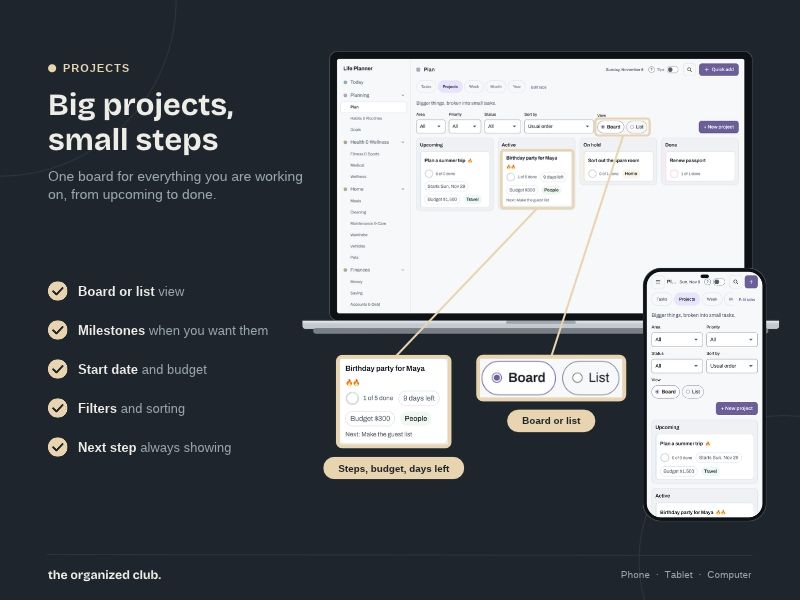
• Projects with milestones, budget, a board or list view and "3 days left" pills
• Waiting on someone, with a day to check back
📅 WEEK, MONTH AND YEAR
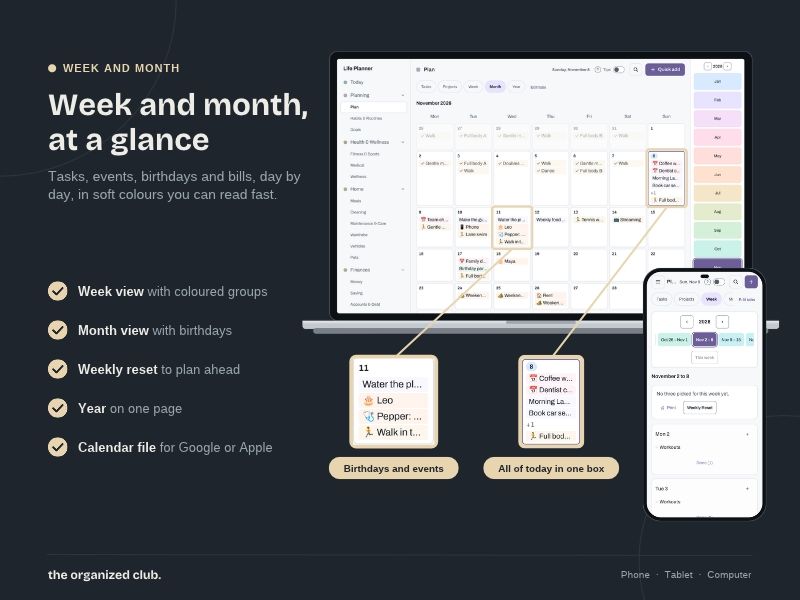
• Week and month views that fill themselves with tasks, bills, birthdays, appointments and meds
• Time blocks and Find a slot, with breathing room
• See how full each day is before you add more
• A yearly calendar
• Add events to your phone calendar for real reminders
• Weekly reset and a short monthly check-in
🌱 HABITS AND ROUTINES
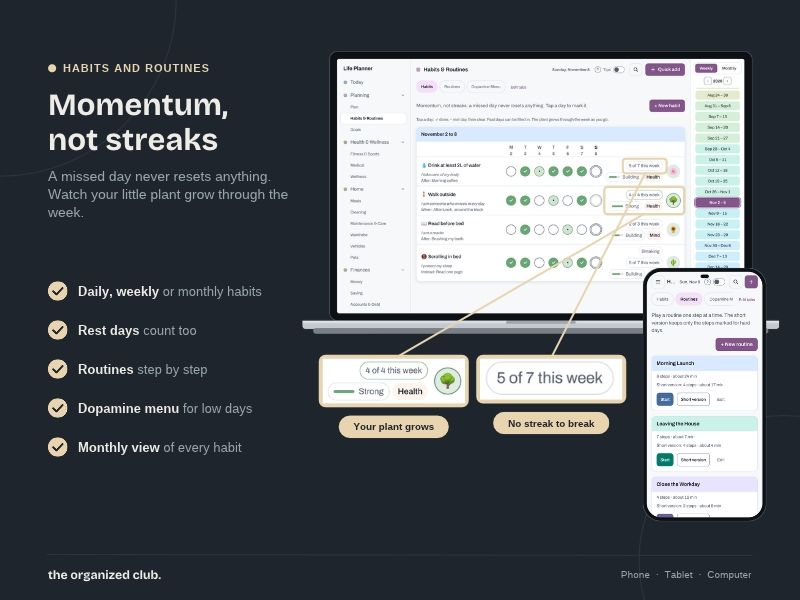
• Habits per day, per week or per month, on the days you choose
• A little plant grows through the week. No streaks to break
• Routines played one step at a time with a timer, and a short version for hard days
• Starter routines: morning, leaving the house, evening wind-down and more
🎯 GOALS AND REFLECTION
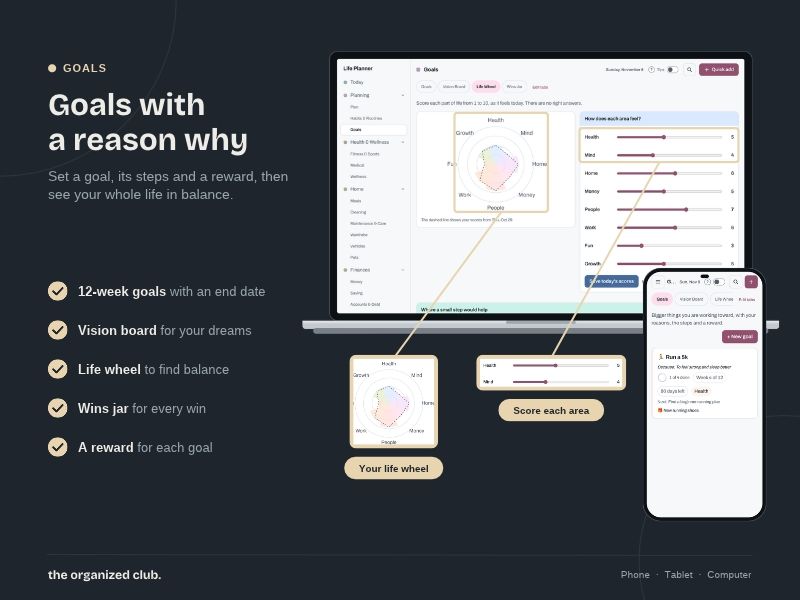
• Goals with a why, milestones, a next small step and a reward
• 12-week goals
• Vision board, life wheel and a wins jar
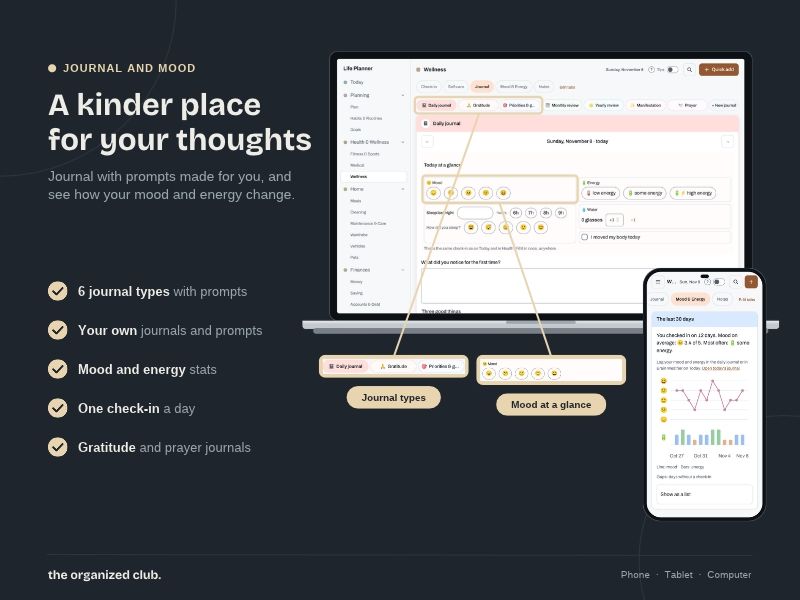
• Journal with prompts for different kinds of days, plus your own journals and prompts
• Mood and energy over time
• Notes you can pin
💪 HEALTH AND WELLNESS
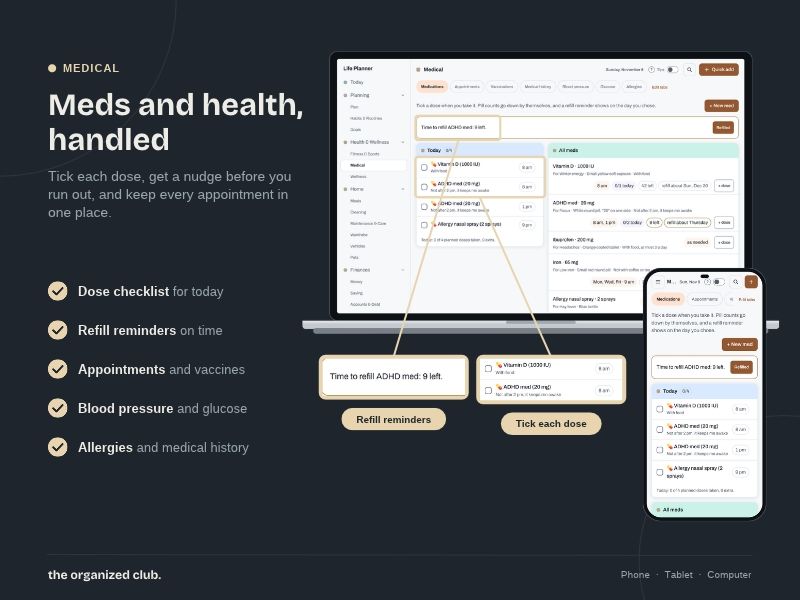
• Meds and supplements with a one-tap "taken" and refill reminders
• Appointments, vaccines, health history, allergies, blood pressure and glucose logs
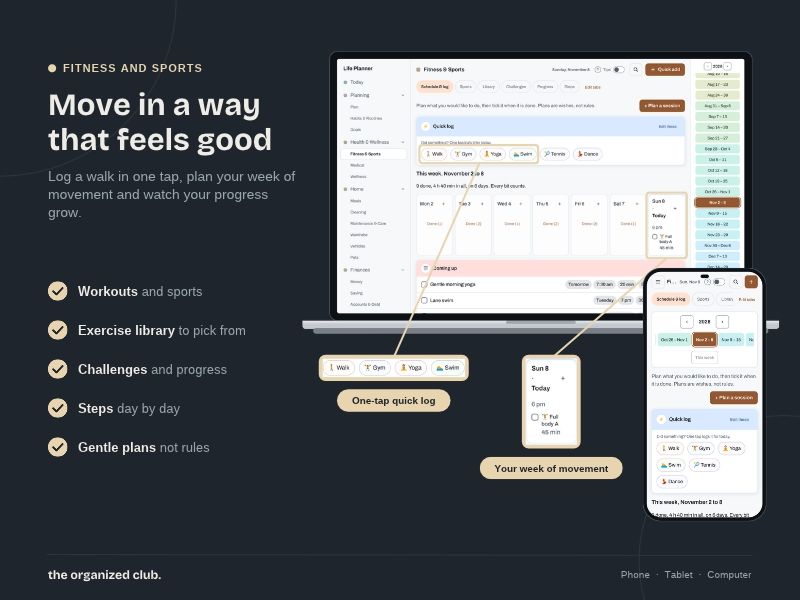
• Workouts, sports, an exercise library, challenges, steps and progress
• Self-care rhythms
🏡 HOME
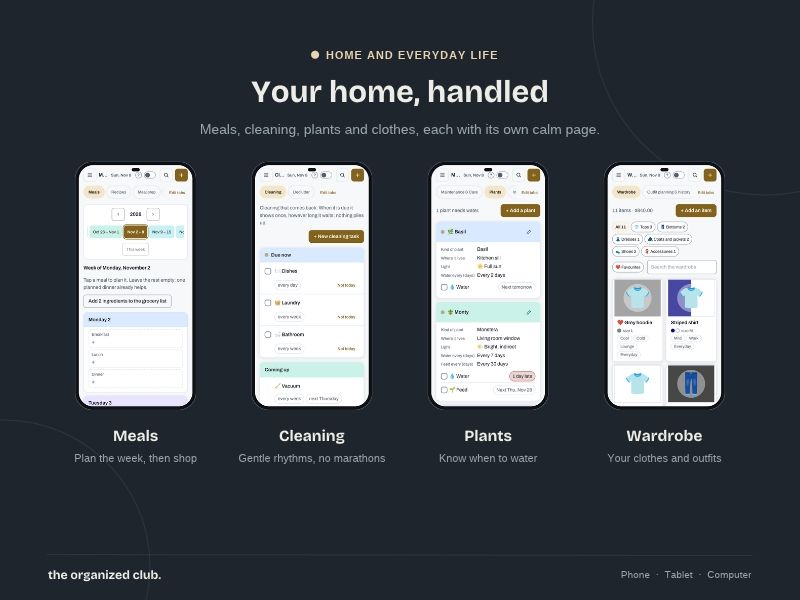
• Weekly meal plan, recipes and meal prep
• A grocery list that builds itself from your meal plan, by aisle
• Kitchen inventory that knows what you have
• Cleaning rhythms and decluttering room by room
• Home maintenance, plants and household inventory
• Wardrobe and outfits
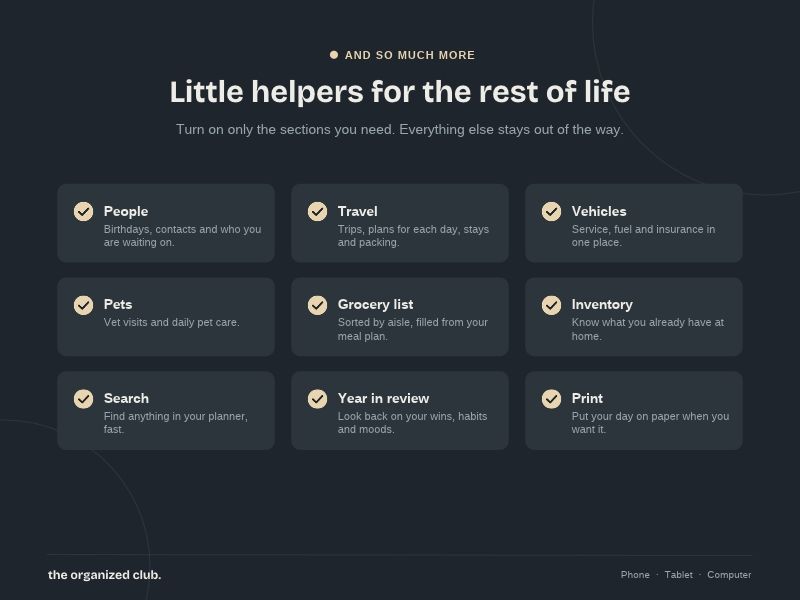
• Vehicles: service, fuel, insurance and accidents
• Pets and vet visits
💵 MONEY
• Left to spend today, bills, autopay and money in
• Add an expense with a big keypad and one tap on a category
• Transactions, accounts, savings goals, envelopes, wish list and debt
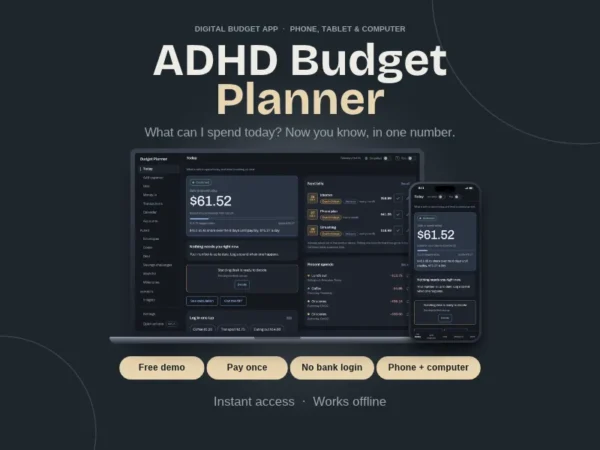
• Already use our ADHD Budget Planner? Bring your numbers in from its backup file
👥 PEOPLE AND TRAVEL
• Birthdays, gift ideas, last contacted and "reach out" nudges
• Your pros: doctor, dentist, plumber and more
• Emergency contacts
• Trips, itinerary, stays and packing list
📈 PROGRESS
• Insights that show what you did, never what you didn't
• Year in review
🧩 MADE FOR ADHD BRAINS
• Calm view hides everything except what needs you now
• Switch whole sections and tabs on or off
• Undo on every tick and every delete
• A "?" on every box. Tap it for a short, plain explanation
• Tips you can turn on or off
• Search everything, with Ctrl+K (Cmd+K on a Mac)
• No red walls of guilt. Missed a day? Tomorrow is a fresh start
🎨 MAKE IT YOURS
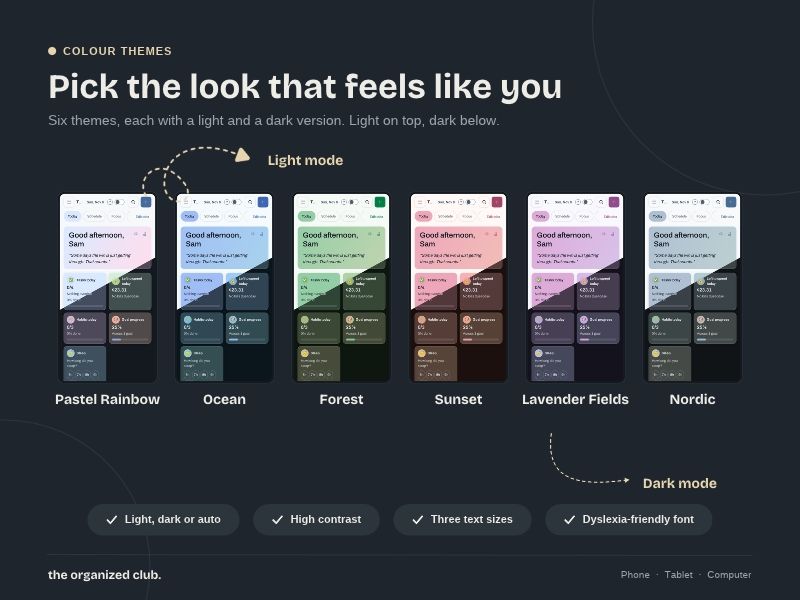
• 6 colour themes: Rainbow, Ocean, Forest, Sunset, Lavender and Nordic
• Light mode, dark mode or auto
• High contrast and a dyslexia-friendly font
• Text sizes
• Your currency, 12 or 24 hour time, and week starting Monday or Sunday
• Print a day or a week
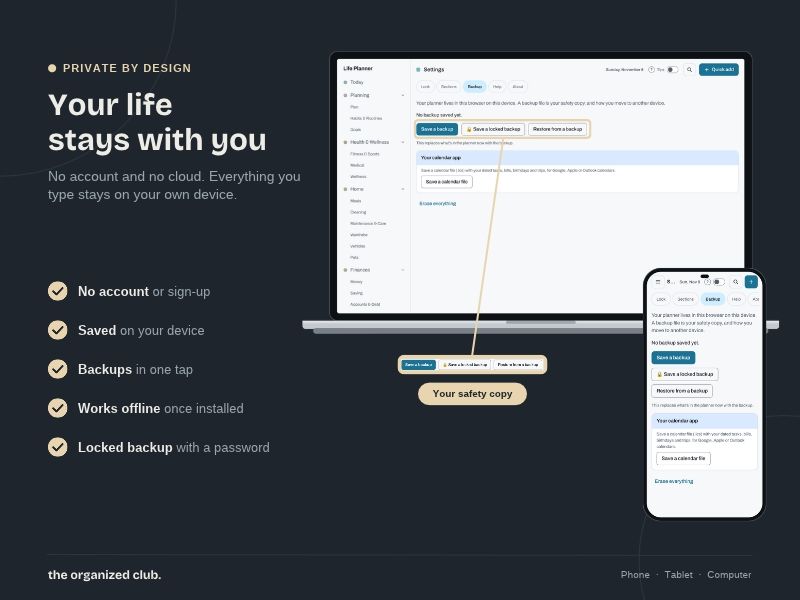
🔒 PRIVATE BY DESIGN
• No account and no password
• Nothing is connected to anything. No bank login, no cloud, no tracking, no AI reading your life
• Your plans stay on your device
• Save a backup file whenever you like, and the planner reminds you
• Lock a backup with a password if you want
• Move your planner to another device with a backup file
• Pay once. No monthly subscription
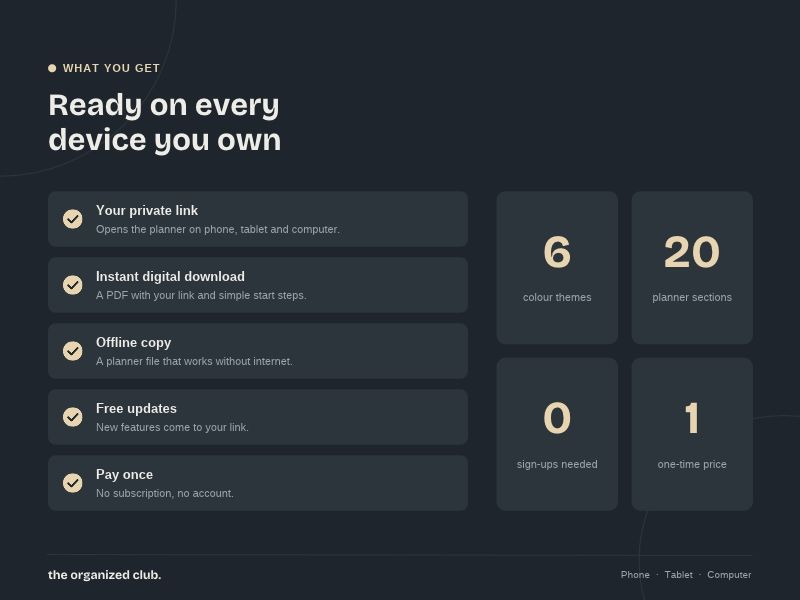
📦 WHAT YOU GET
A PDF with:
• Your private link to the Life Planner
• Simple start steps
• A link to download an offline copy of the planner, if you'd like one
• Your licence
🖥️ HOW TO START
- Download the PDF
- Open your private link in Chrome, Edge, Safari or Firefox
- On a phone or tablet, add it to your Home Screen. On a computer, you can install it too. It works like an app, even offline
- Answer a few short questions and pick the areas of life you want to start with
Works on Windows and Mac computers, iPhone, iPad and Android.
⚠️ GOOD TO KNOW
• This is a digital download. No physical item will be shipped
• Your planner is saved in the browser that opens it. Use the same browser each time
• Each device keeps its own planner. It does not sync between devices automatically. A backup file carries your planner from one device to another
• Clearing your browser data can erase your planner. Save a backup regularly
• Private or incognito windows don't keep anything. Use a normal window
• Reminders show while the planner is open. For alerts when it's closed, add events to your phone calendar
• Screenshots show example data
• English only
📜 LICENCE
• For personal use only
• Please don't share, resell or give the link or file to anyone outside your household
• Not for commercial use, including with clients
❗ DISCLAIMER
This planner is an organizing tool. It is not medical, mental health, financial or legal advice, and it does not replace your doctor, pharmacist or therapist. Please check important decisions with a professional.
Because this is a digital file, I can't accept returns or exchanges. Try the free demo first to make sure it's right for you. If anything doesn't work as described, send me a message at info@roxannebeaumont.com.
Only logged in customers who have purchased this product may leave a review.
Reviews
There are no reviews yet.