


Notion template — GTD planner
Original price was: 20.00$.10.00$Current price is: 10.00$.
Notion template based on the GTD method: inbox, projects, next actions, reviews, and focus areas. Capture, clarify, accomplish.
GTD Planner — your all‑in‑one hub to capture, clarify, and organize everything with the GTD method
Turn busy thoughts into clear next actions with a structured Notion system based on Getting Things Done. Capture anything in one Inbox, clarify it into the right category, and track projects, tasks, waiting items, and someday ideas in dedicated spaces. A guided Start Here page, a video tutorial, and a synced navigation panel help you start fast and build consistency over time. What you get:
- Starter guide with Help Center links, a video tutorial, and setup tips.
- Dashboard sections: Quick Actions, Tasks due this week, Fixed‑dates calendars (weekly + monthly), Active projects, Habits, Past month’s reviews, Areas of focus, Notification center.
- Core databases and pages:
🎯 Vision & Goals (vision boards + Goals + Habit Tracker)
🌈 Areas of Focus (with linked views for tasks and projects by focus area)
📥 Inbox (capture first, clarify later with GTD‑style labels)
🧗 Projects (including a per‑project template)
✅ Tasks (next actions with due dates, fixed dates, contexts, energy, priorities, etc.)
⏳ Waiting For (delegated items tracking)
💡 Someday/Maybe (idea parking lot you can review and activate later)
🗂️ References (archive and organize non‑actionable information)
📝 Reviews (weekly, monthly, quarterly, yearly templates + review checkboxes and date updates)
🔔 Fully automated Notification Center - A synced navigation panel for one‑click access to every section (reused across pages)
- Simple integration with Notion Calendar to receive reminders for fixed dates and review cadence
- Quick Actions buttons to capture items quickly
- Canva covers and visuals, optional clock widget
- Pre‑filled examples to learn from, then remove in a few clicks
Why it’s helpful:
- One trusted Inbox. Capture everything immediately, then clarify it with GTD rules so nothing leaks.
- Clear execution. Tasks are filtered into “due,” “fixed date,” “today/overdue,” and context‑based work modes.
- Real project control. Projects and their next actions stay connected, so momentum is easy to maintain.
- Built‑in accountability. Waiting For and Reviews keep delegated items and recurring check‑ins from being forgotten.
- Automatic focus. The Notification Center highlights what matters now (inbox to clarify, overdue tasks, reviews due), reducing decision fatigue.
What’s needed:
- A free Notion account (or paid if you want one)
- A device of your choice
- To know how the Notion app works, or learn the basic functions.
Rules & Notes:
- This is a digital product. You won’t receive any physical product with this purchase.
- You can use this template with the app Notion on mobile, tablet, or desktop. These types of templates always work best on a computer, though.
- It is not useable on another app.
- You can’t share this template or resell it. It is for personal use only.
- This template is in English.
Steps to follow to use it:
- Complete the purchase.
- You will receive a PDF with the template and instructions to duplicate it.
- Duplicate the template instantly into your Notion workspace.
Only logged in customers who have purchased this product may leave a review.
Related products
-
Sale!

Notion template — Fitness planner
Original price was: 19.00$.9.50$Current price is: 9.50$. -
Sale!
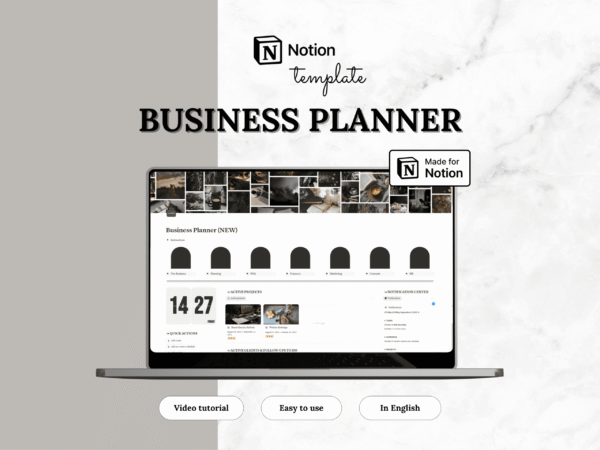
Notion template — Business planner
Original price was: 63.00$.31.50$Current price is: 31.50$. -
Sale!
Notion template — Life planner
Original price was: 47.00$.23.50$Current price is: 23.50$. -
Sale!
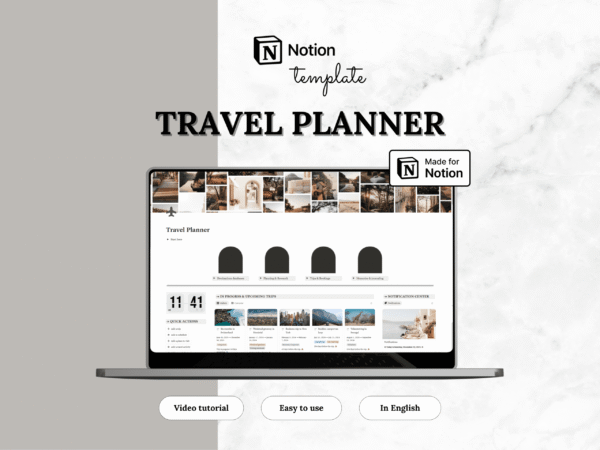
Notion template — Travel planner
Original price was: 19.00$.9.50$Current price is: 9.50$.


Reviews
There are no reviews yet.