
Sale!
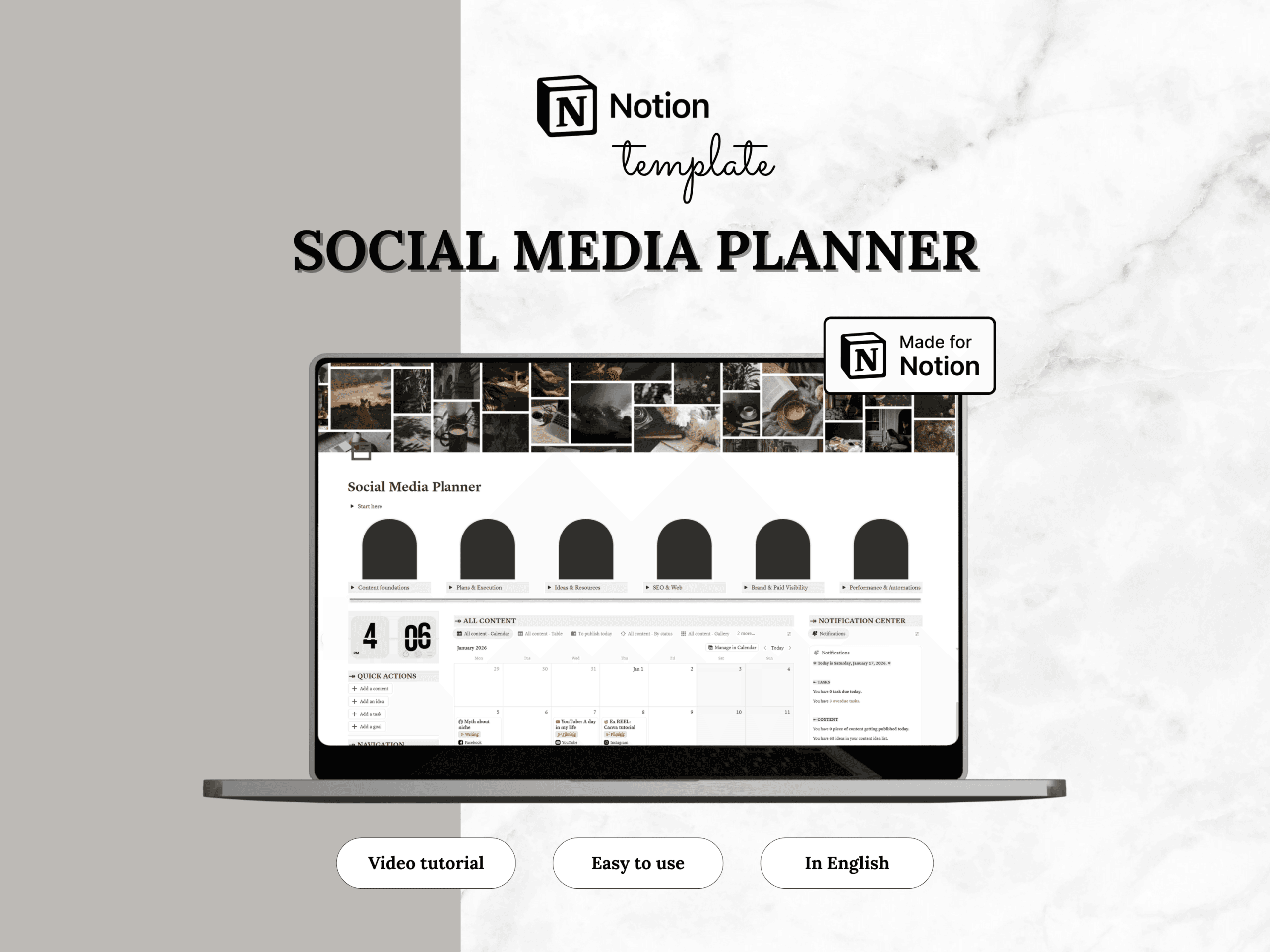
Notion template — Social media planner
Original price was: 19.00$.9.50$Current price is: 9.50$.
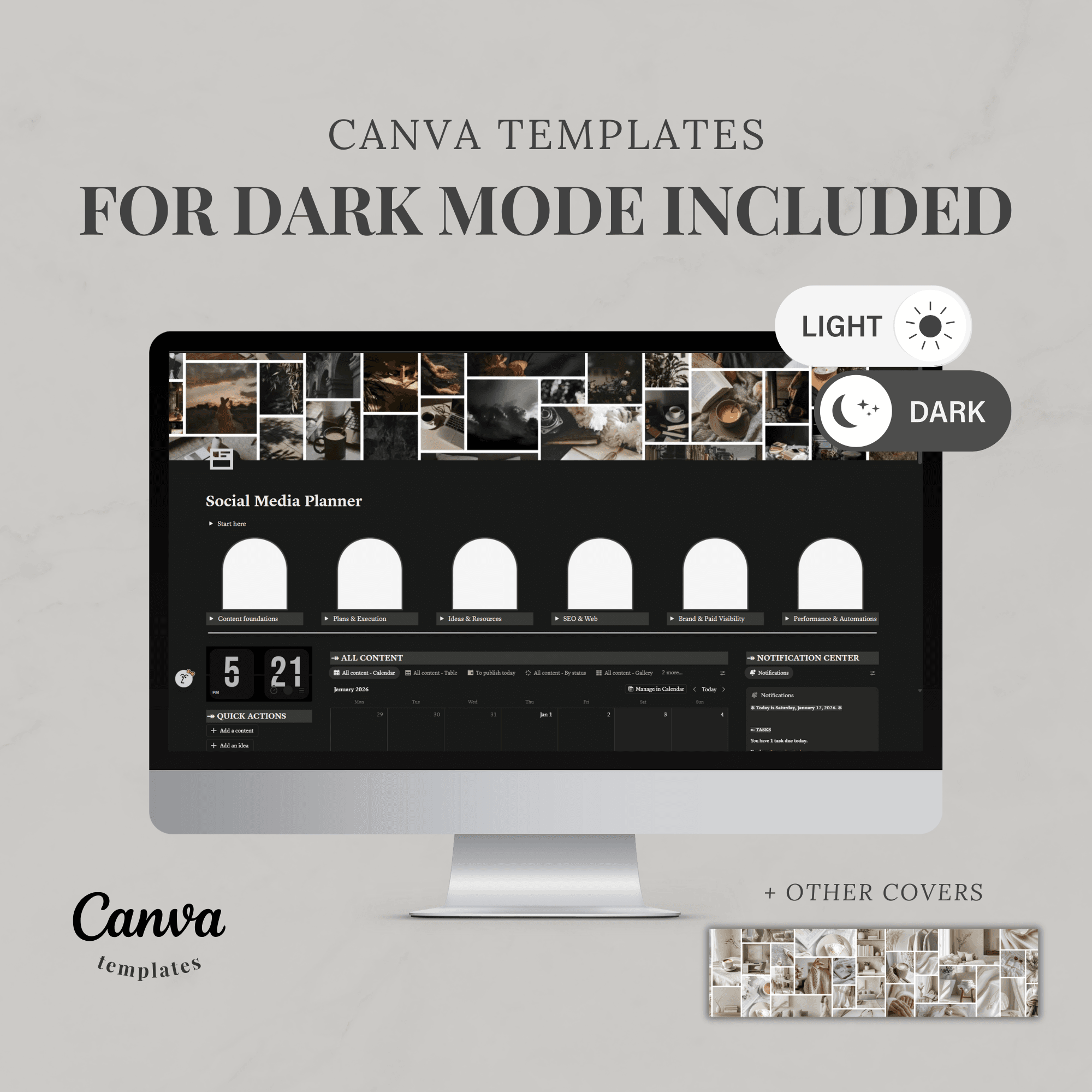
Notion template for content planning across all digital platforms.
Content creation — your all‑in‑one hub to plan, produce, and track your content across all your platforms
Centralize your ideas, pillars, goals, published content, stats, and tasks in a clear, structured Notion space. Guided onboarding, a video tutorial, and ready‑to‑use views help you get started quickly and evolve your system as your strategy grows.
What you get:
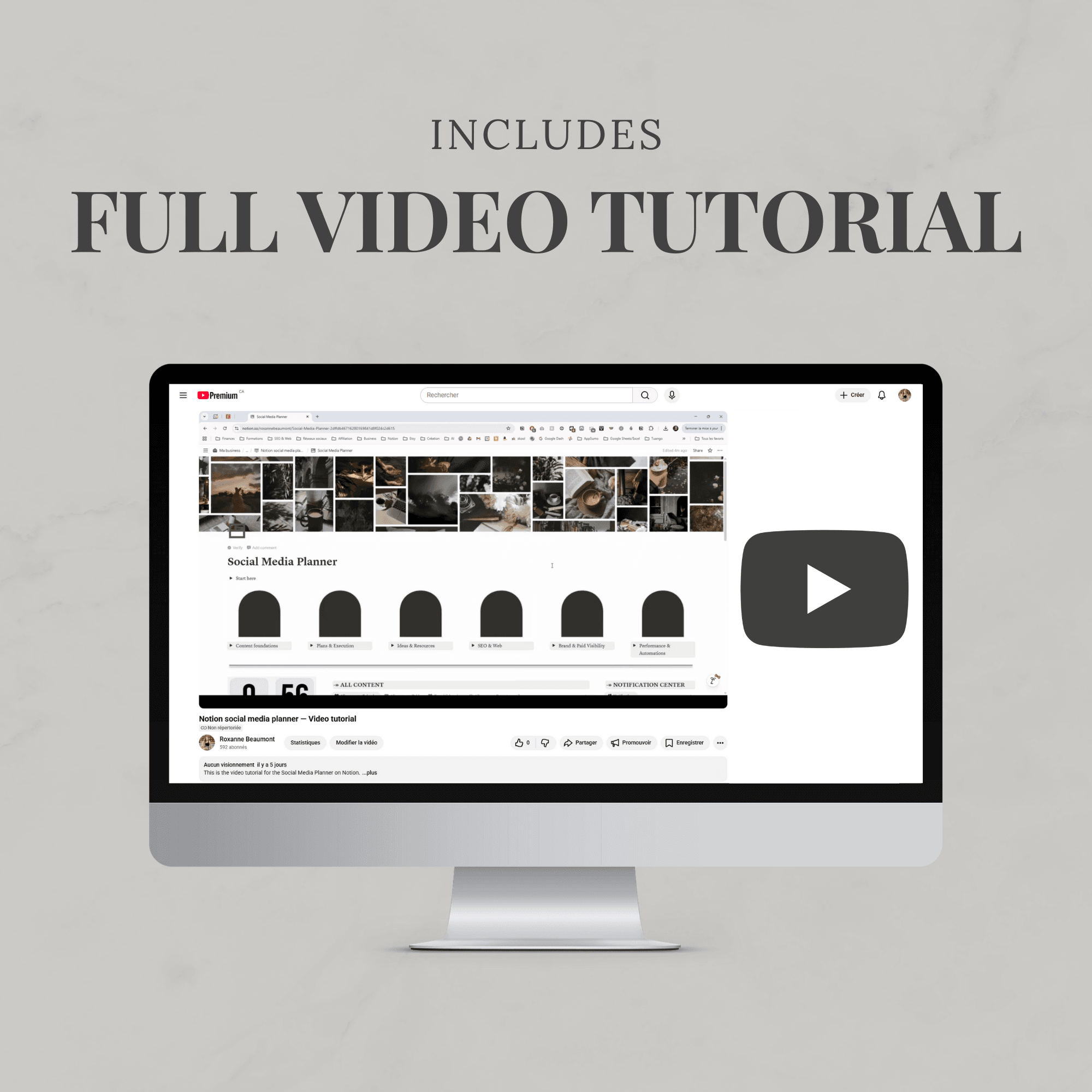
- Quickstart guide with links to the Notion Help Center, video tutorial, and setup tips
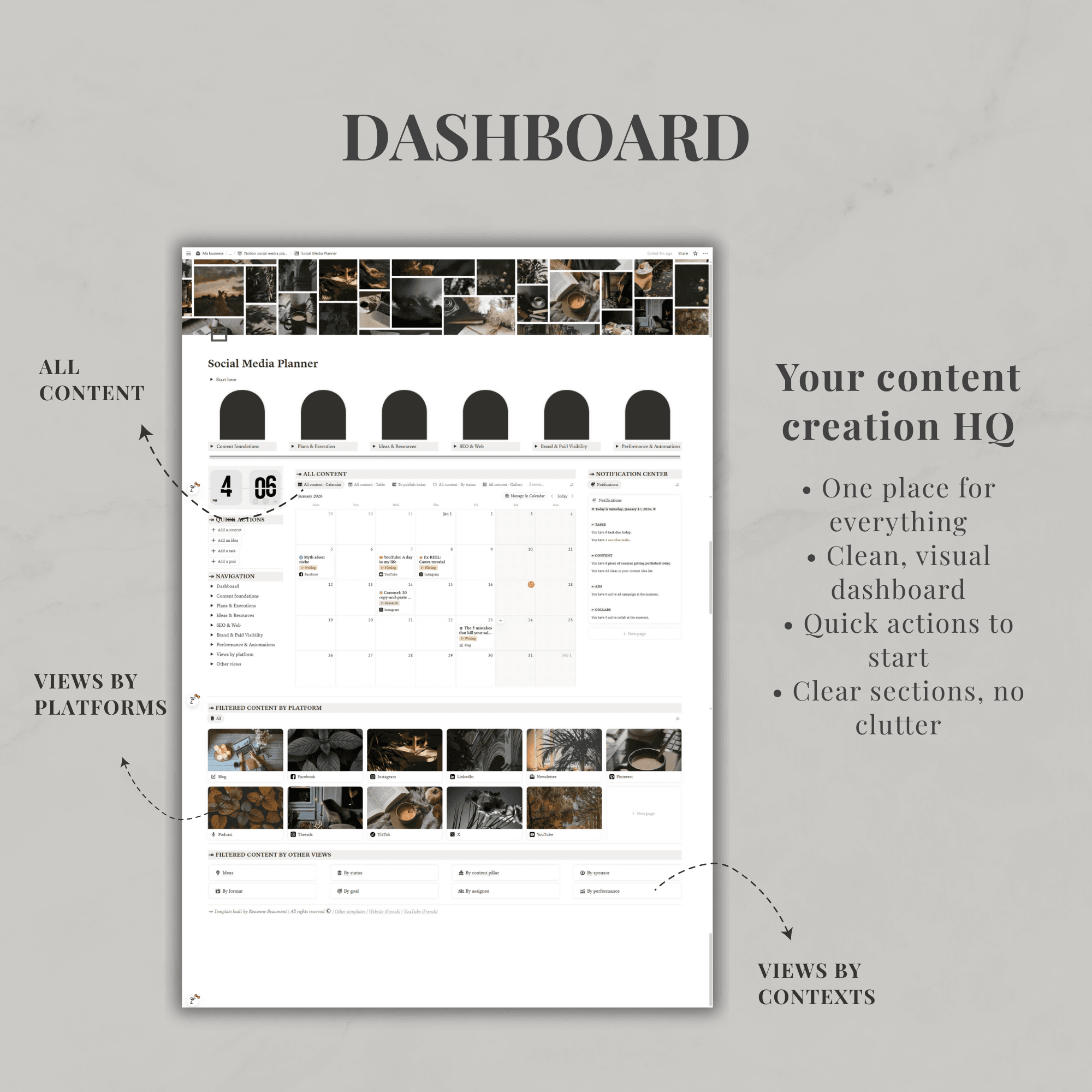
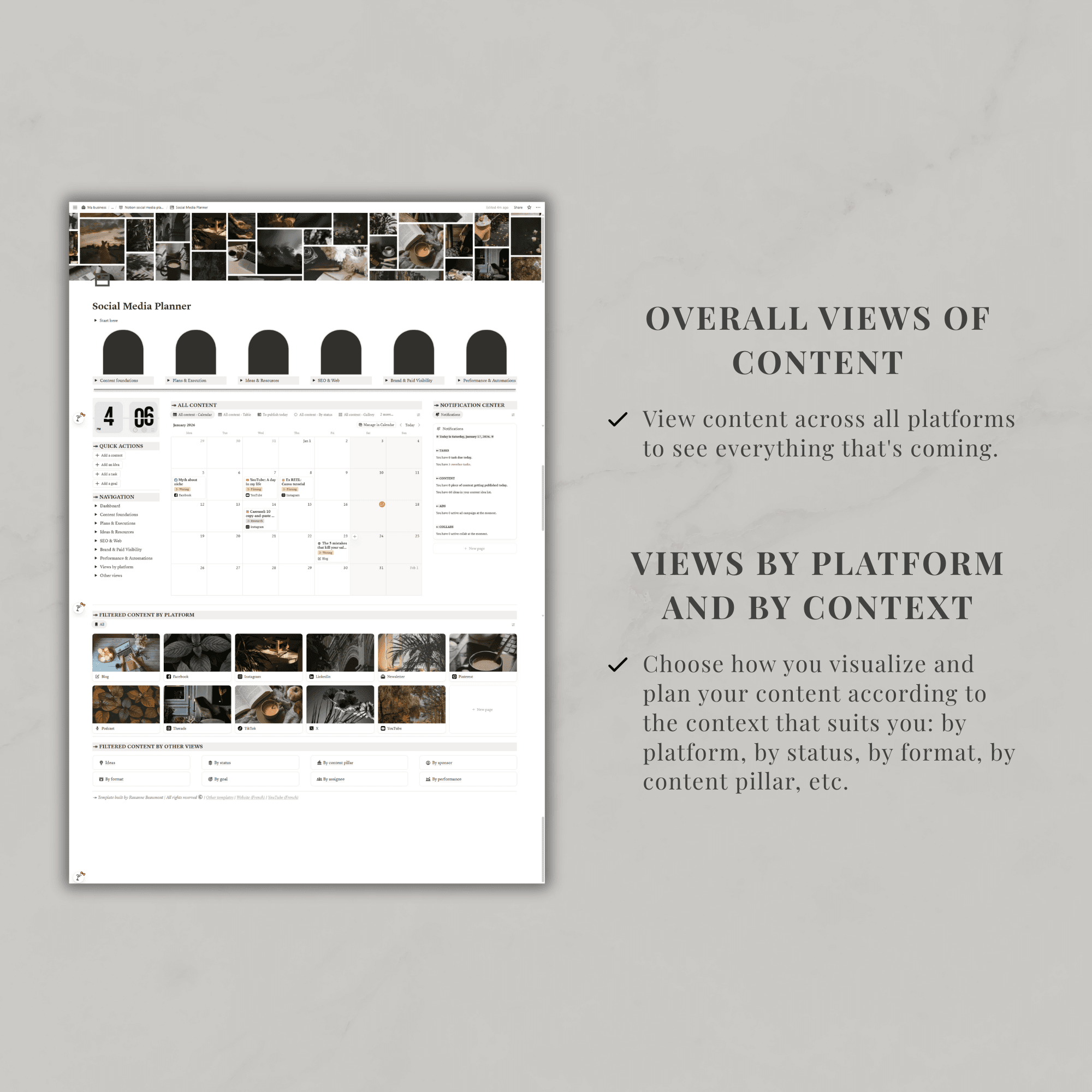
- Dashboard sections: All content, Platform views, Views by status/format/goals/sponsors/etc., Notification center, Quick actions, Global navigation
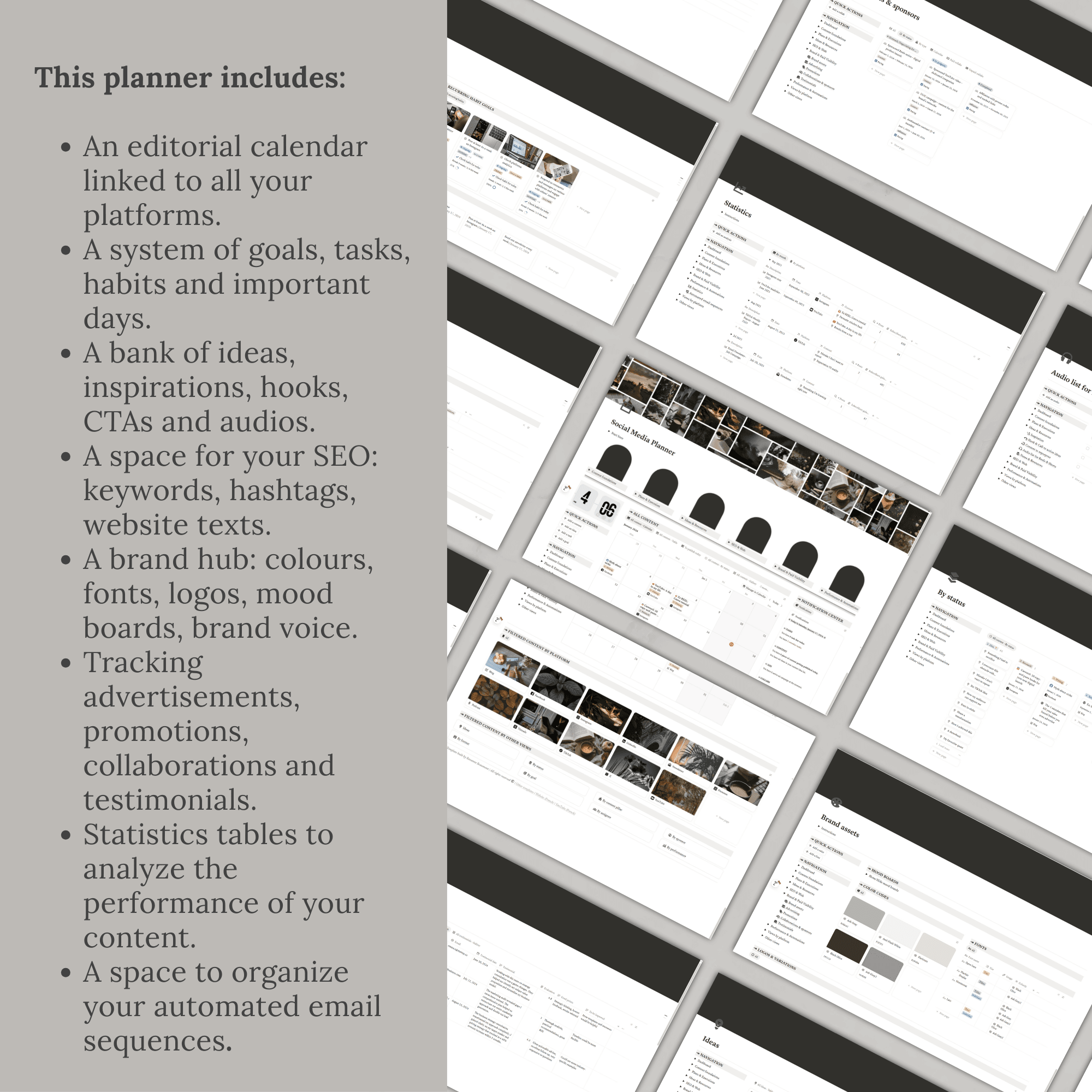
- Main pages and databases:
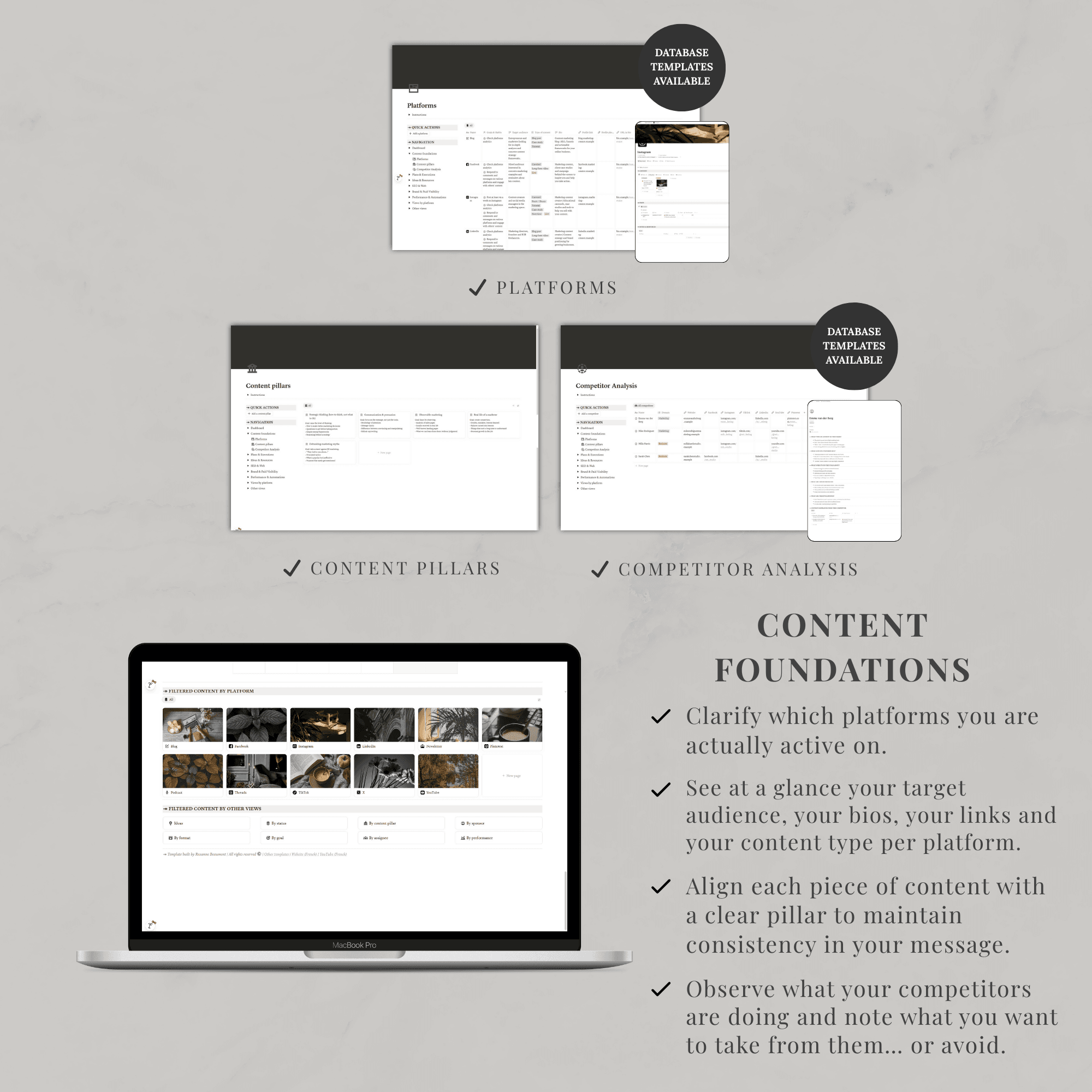
◦ 🧱 Platforms: all your platforms (YouTube, Instagram, TikTok, newsletter, blog, podcast, etc.) with goals, publishing cadence, and specific requirements
◦ 🧩 Content pillars
◦ 🕵️ Competitor analysis
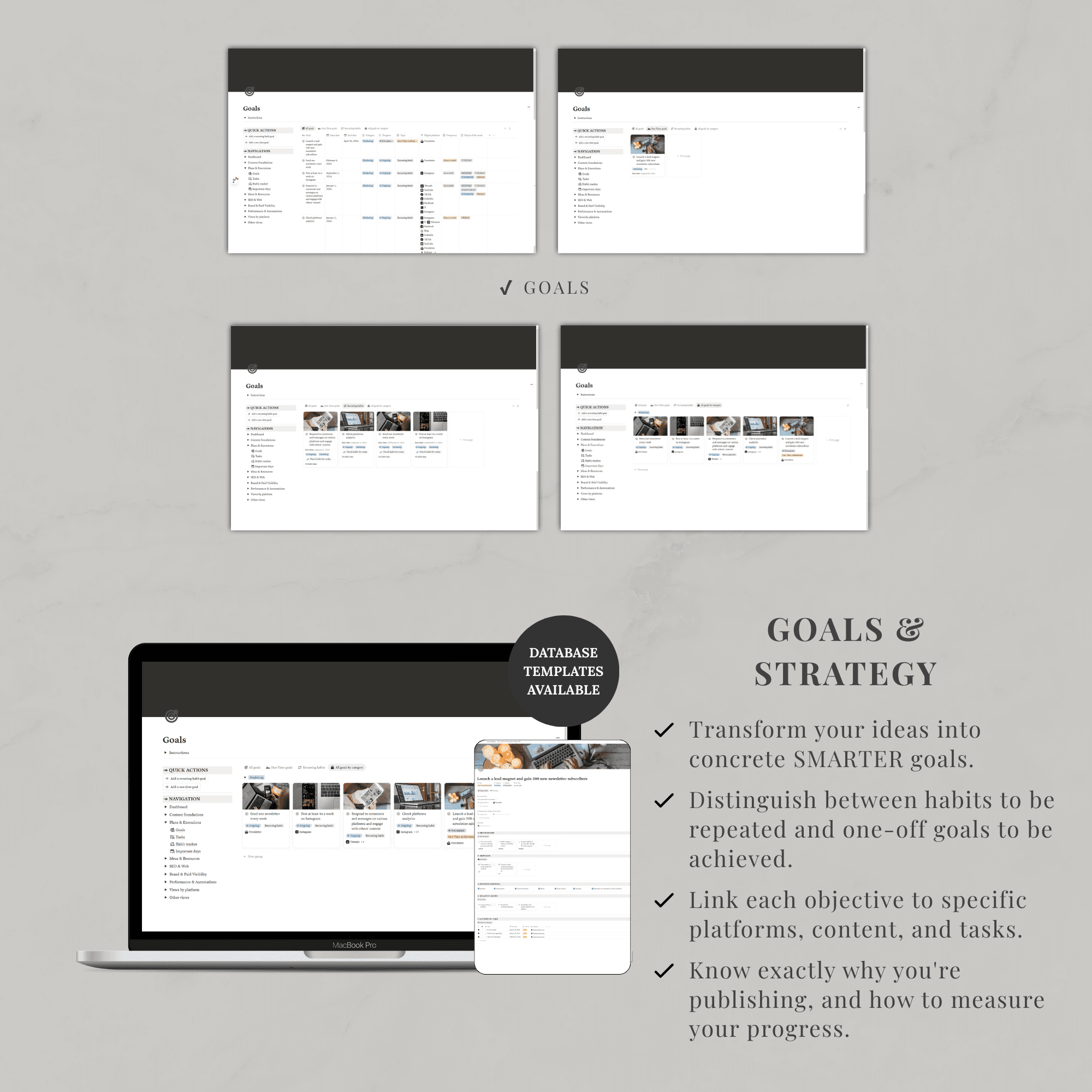
◦ 🎯 Goals: marketing and visibility goals, linked to platforms
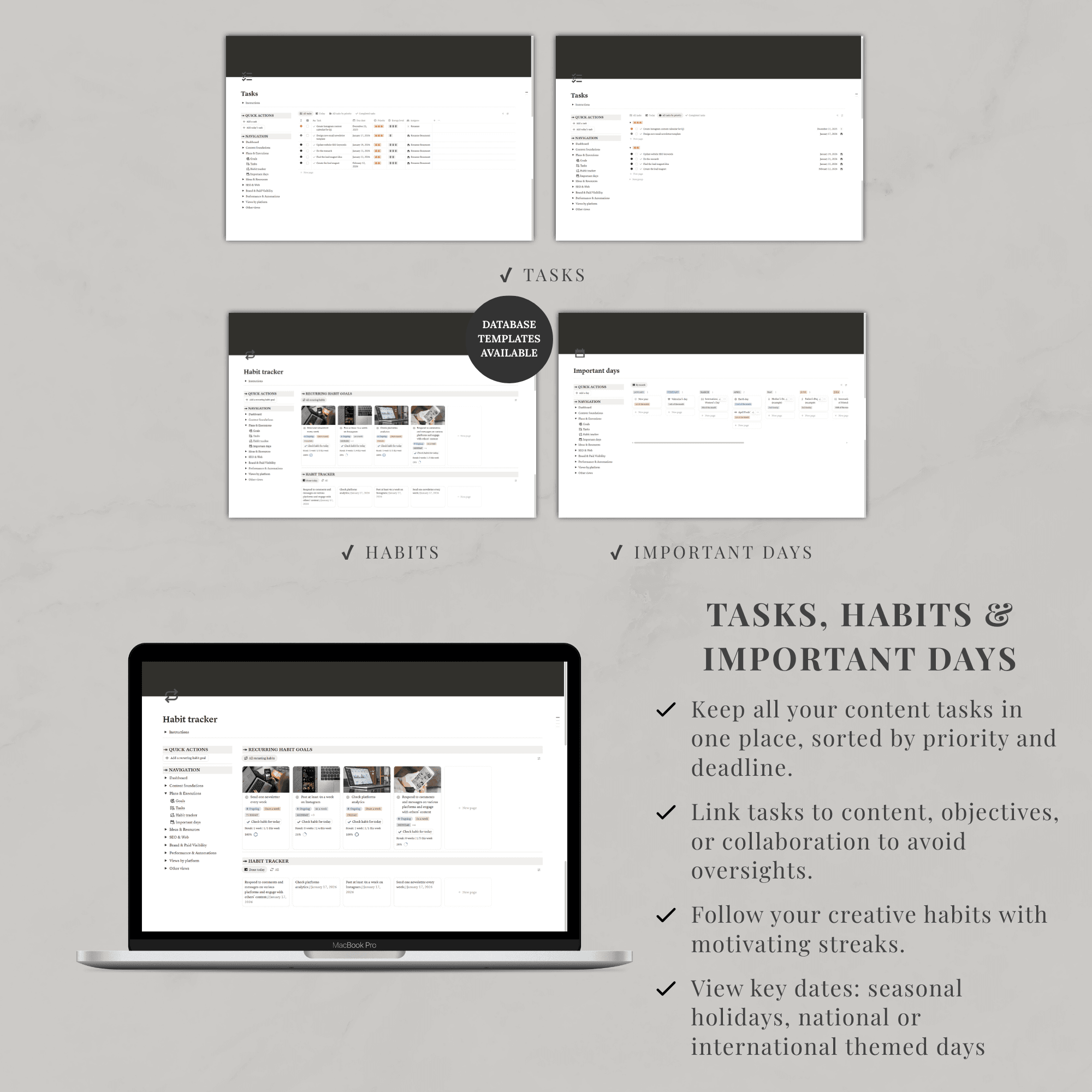
◦ ✅ Tasks
◦ 🔄 Habits
◦ 📆 Important dates: calendar of key dates that repeat every year
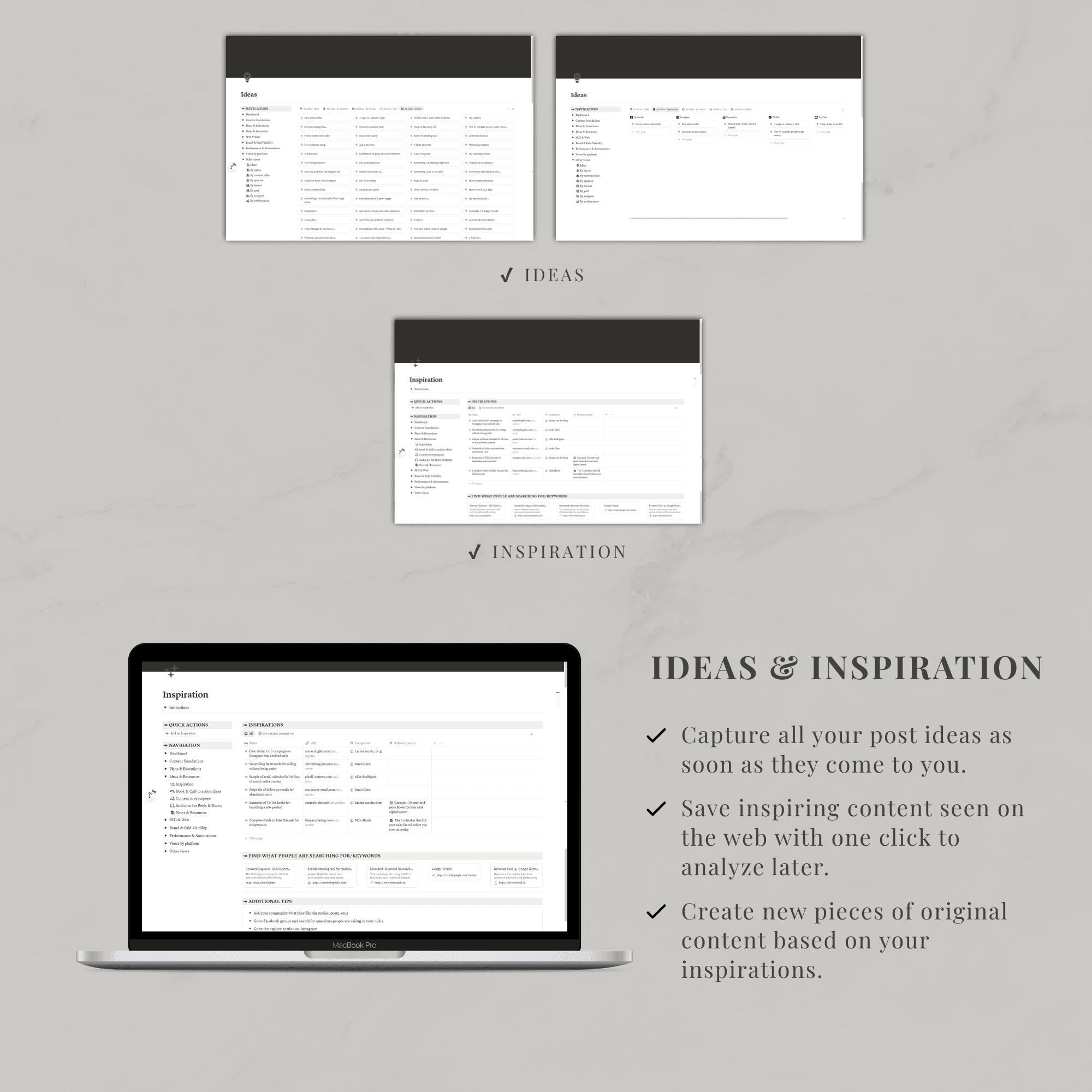
◦ 💡 Inspiration: ideas from the web with links to competitors and content
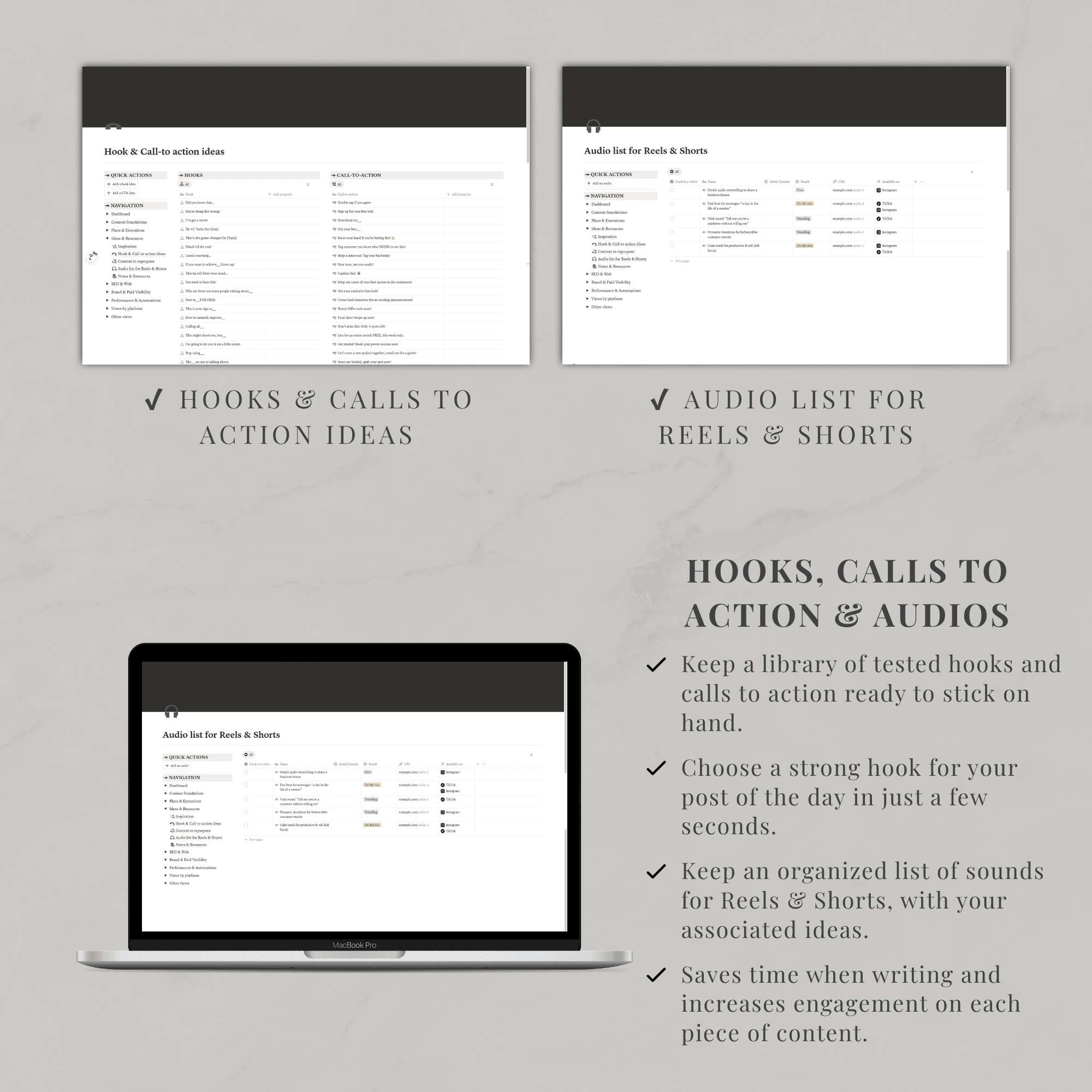
◦ 🎣 Hooks & calls‑to‑action ideas
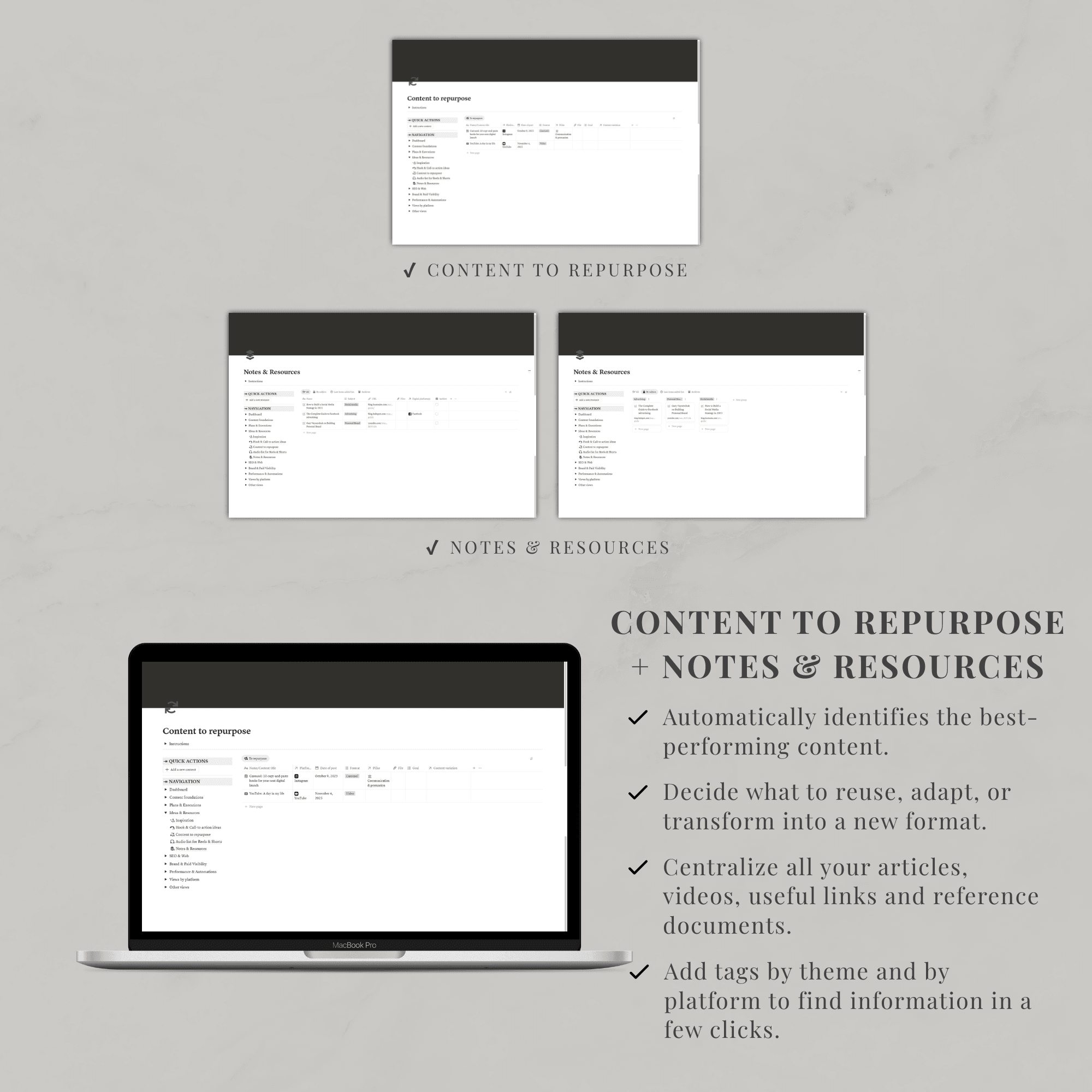
◦ ♻️ Content to repurpose: high‑performing content to recycle into new variations
◦ 🎵 Audio list for Reels & Shorts: music and sounds to reuse, with links and notes
◦ 📝 Notes & resources
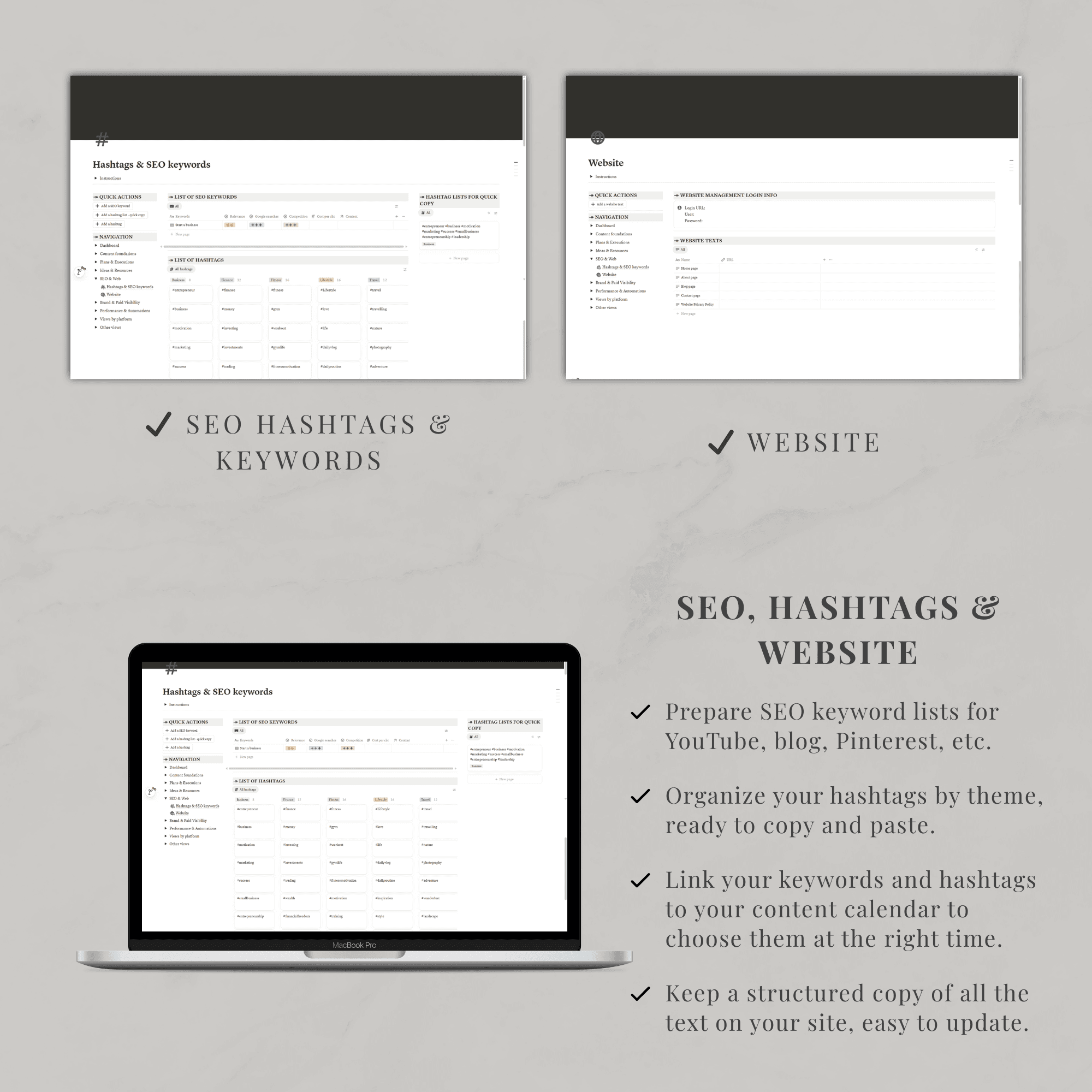
◦ #️⃣ Hashtags & SEO keywords: keywords, hashtags, difficulty, search intent
◦ 🌐 Website: website copy and URLs
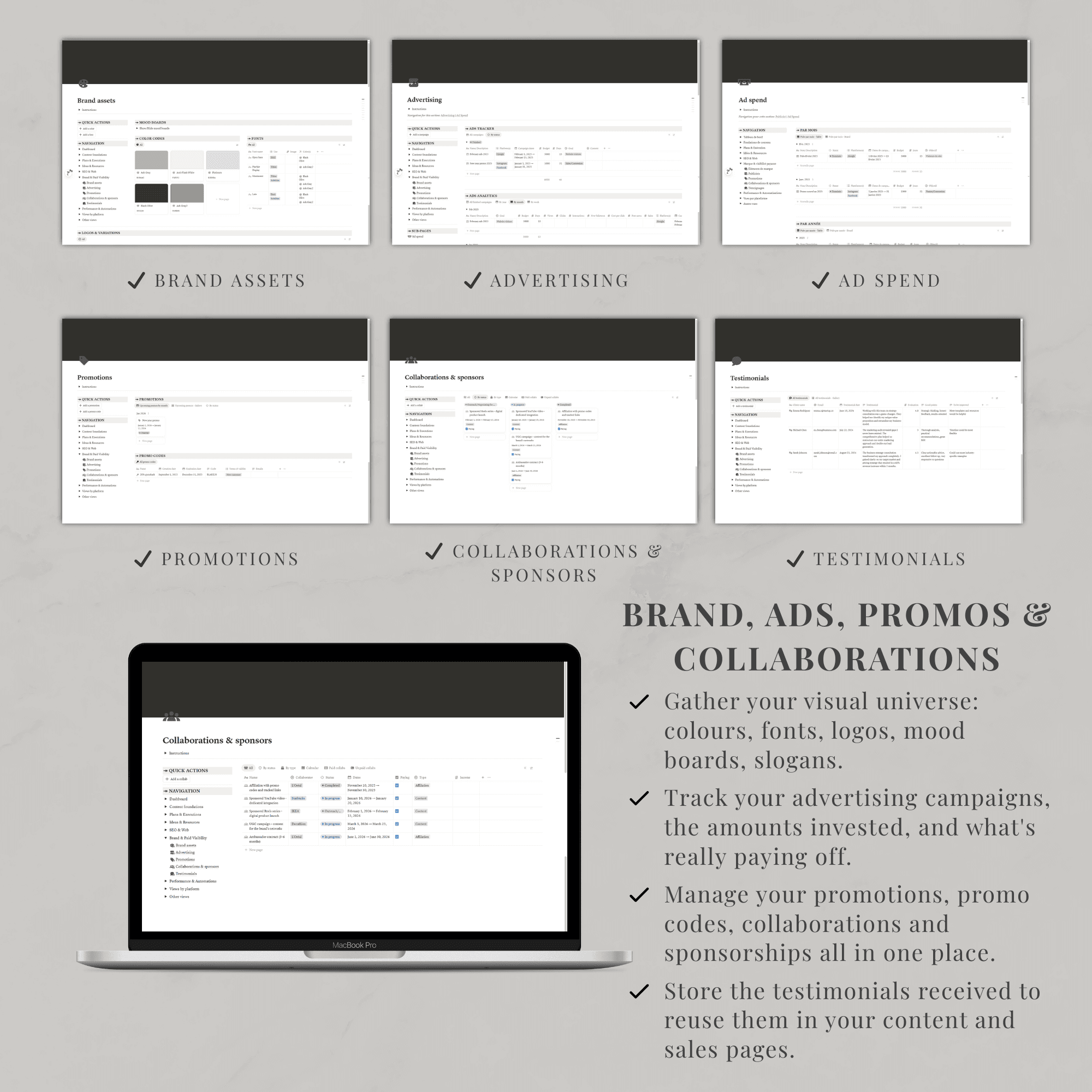
◦ 🎨 Brand assets: fonts, colors, tone of voice, key messages, logos, etc.
◦ 📢 Ads: paid campaigns and ad spend by month and year
◦ 🎁 Promotions: promo calendar and promo codes to announce
◦ 🤝 Collaborations & sponsors: process tracking, guidelines, links, etc.
◦ ⭐ Testimonials: social proof and customer reviews
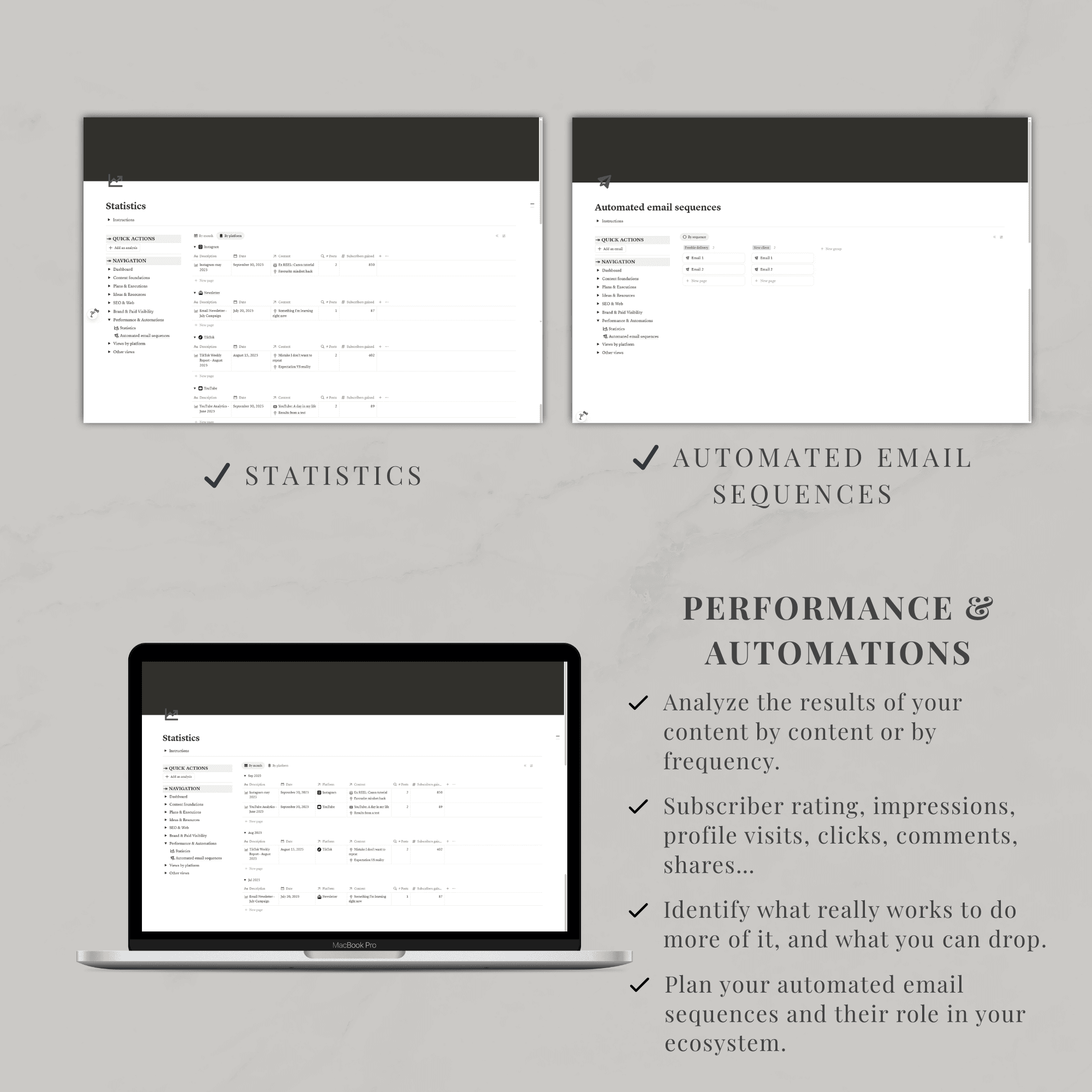
◦ 📊 Analytics: centralized view of key metrics (views, subscribers, clicks, associated sales) by piece of content and by platform
◦ 📧 Automated email sequences: organization of email sequences by trigger
◦ 🗂️ “Content” database: master database connected to all the others (platform, pillar, format, status, goal, sponsor, owner, performance, etc.)
◦ 📺 Platform views: one page per platform to see goals, content, stats, and notes in one place
◦ 💭 Ideas view: all content with the “Idea” status
◦ 🧱 Status view: full editorial pipeline (idea, research, drafting, filming, editing, scheduled, published, etc.)
◦ 🎯 Goal view: content aligned with each goal (education, promotion, nurturing, conversion, authority…)
◦ 🤝 Sponsor view: sponsored content and collaborations
◦ 🎬 Format view: videos, Reels/Shorts, carousels, text posts, stories, articles, newsletters…
◦ 👤 Assignment view: view by owner (solo creator or team)
◦ 🚀 Performance view: top‑performing content, content to boost, content to recycle - 65+ content ideas already built in to help you start filling and using the database
- Synced navigation panel to access every section in a single click
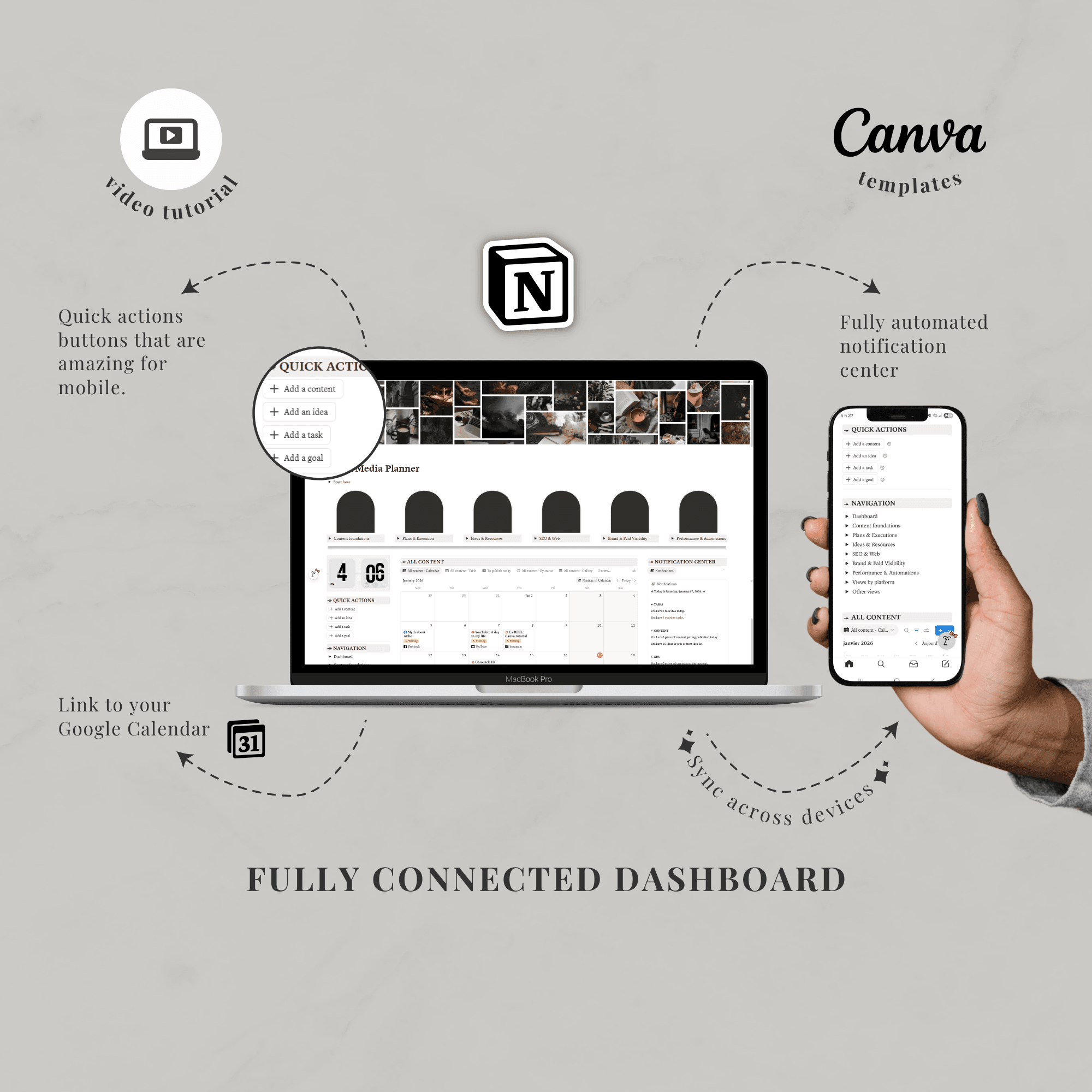
- Quick action buttons to rapidly create new content, ideas, tasks, or campaigns
- Automated notification center to keep an eye on key dates, content to publish, and follow‑ups to complete
- Canva templates to customize page covers, plus an optional clock widget for the dashboard
- Pre‑filled examples in the databases so you can learn the structure and then delete them in a few clicks
Why it’s useful:
- Clear overview. You see all your content at a glance, by platform, status, format, goal, sponsor, and performance.
- Frictionless organization. Ideas, scripts, tasks, platforms, SEO, promos, and analytics all connect inside a single content database.
- Smoother production. Status‑ and owner‑based views turn your editorial pipeline into a simple, daily workflow.
- Aligned strategy. Pillars, goals, promos, and collaborations are connected, making it easier to decide what to publish, where, and when.
- Continuous optimization. Performance views, content‑to‑reuse lists, and automated sequences help you double down on what truly works, without starting from scratch every time.
What’s needed:
- A free Notion account (or paid if you want one)
- A device of your choice
- To know how the Notion app works, or learn the basic functions.
Rules & Notes:
- This is a digital product. You won’t receive any physical product with this purchase.
- You can use this template with the app Notion on mobile, tablet, or desktop. These types of templates always work best on a computer, though.
- It is not useable on another app.
- You can’t share this template or resell it. It is for personal use only.
- This template is in English.
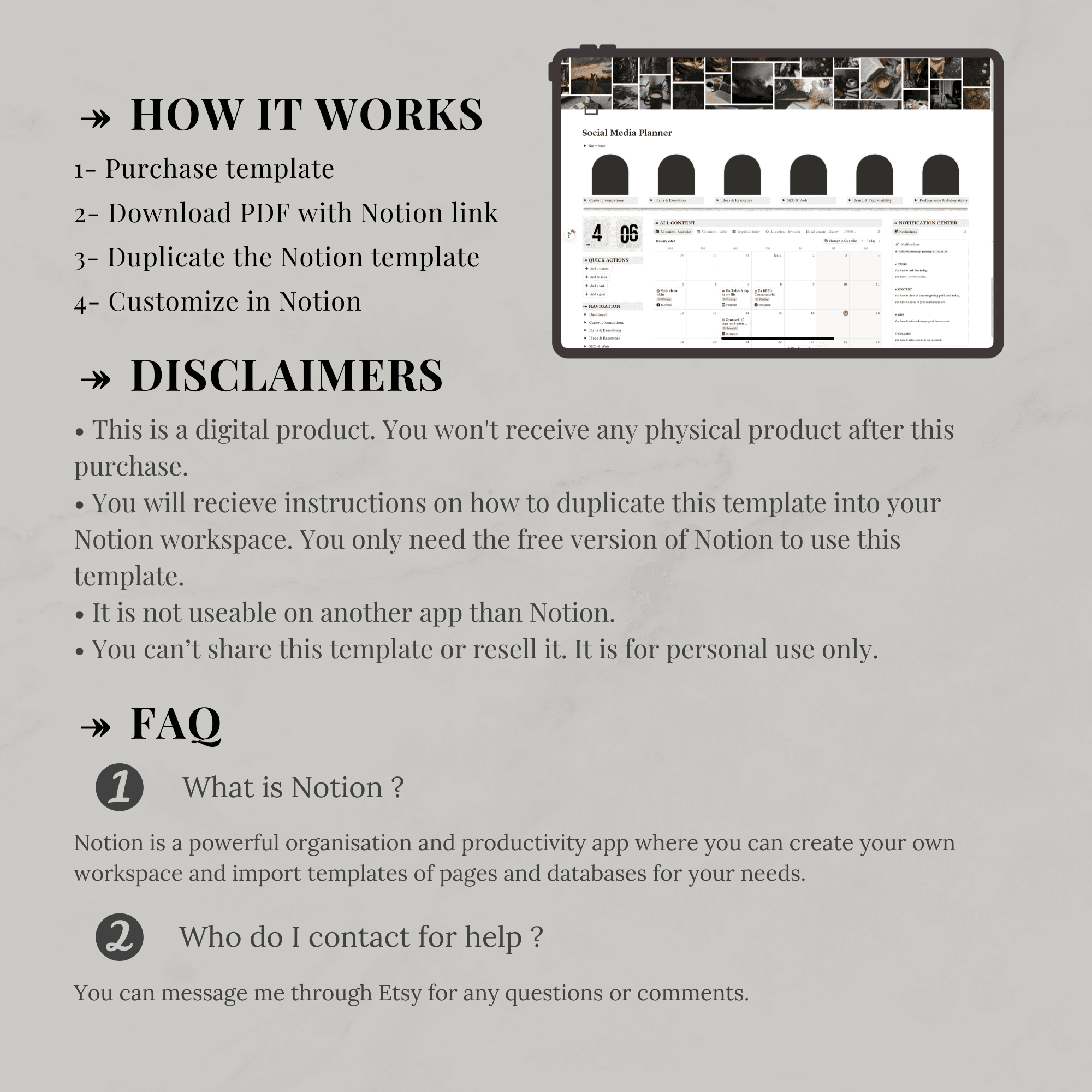
Steps to follow to use it:
- Complete the purchase.
- You will receive a PDF with the template and instructions to duplicate it.
- Duplicate the template instantly into your Notion workspace.
Only logged in customers who have purchased this product may leave a review.
Related products
-
Sale!

Notion template — Personal journal
Original price was: 10.00$.5.00$Current price is: 5.00$. -
Sale!
Notion template — Home management
Original price was: 19.00$.9.50$Current price is: 9.50$. -
Sale!
Notion template — Medical planner
Original price was: 10.00$.5.00$Current price is: 5.00$. -
Sale!
Notion template — Personal finance tracker
Original price was: 19.00$.9.50$Current price is: 9.50$.


Reviews
There are no reviews yet.