It's easy to get lost in the sheer number of productivity and organization tools out there. Using too many at once can even work against you. For my part, I found my essential productivity tool: Notion. This tool changed my life, and today, it's even become the core of my work.
What Is Notion?
Notion is an all-in-one workspace founded in 2013 in San Francisco by Ivan Zhao and Simon Last. The company has seen impressive growth since then: today, Notion has over 100 million users worldwide, and 80% of them are located outside the United States, making it a truly global tool. In December 2025, the company also reached a valuation of several billion dollars, confirming its place among the most significant productivity platforms on the market.
The founders saw the need for an all-in-one workspace, and decided to build it to change the way millions of people work.
Today, it's an incredibly powerful work tool that lets you keep, all in one place, to-do lists (and every other kind of list), notes, PDFs, databases, project management boards, videos, tools, and much more.
The Benefits of Notion
1. Everything Is in One Place
Unlike several project management tools like Trello, Asana, or Monday.com, Notion lets you keep, in the same place, far more than just task and project management. Your tasks and projects live alongside your notes, databases, and any other information you want to bring in.
2. A Fully Customizable Workspace
The workspace is fully customizable. When you start out, it's empty. You can add whatever you want: pages, a calendar, a table, a Kanban board, a list, a table of contents, videos, Google Drive files, PDFs, images, formulas, and so much more.
Of course, plenty of pre-built templates are available, and you can tweak them afterward to fit your needs. That's actually exactly why I create my own (more on that below).
3. A Very Complete Free Version and an Affordable Paid Version
On top of all its versatility, Notion remains very affordable. A lot of people can manage perfectly well with the free version. Personally, I use a paid plan, not just so I'm not limited by file size in my workspace, but also to take advantage of more advanced features like charts and database automations.
4. The Ability to Collaborate as a Team
And yes! The app isn't just great for individuals, it also allows for team collaboration. Group plans are available for having multiple members in the same workspace, and there's the option to bring in collaborating guests even on individual plans.
5. Transferring Notes Directly From Other Apps
You might already be using another tool to take notes, and you probably don't want to transfer everything manually. What's great is that you can automatically transfer your data from Evernote, Confluence, Trello, Asana, Google Docs, Word, Workflowy, Quip, and Dropbox Paper into Notion, for free.
6. A Constantly Evolving Company
The team behind Notion keeps innovating quickly. The tool now includes increasingly advanced AI features, on top of regular updates that add new functions and fix ongoing issues (which are inevitable with technology, let's be honest).
The tool is genuinely in a period of major growth, and it's only just getting started.
The Downsides of Notion
1. A Learning Curve at First
Because it's fully customizable, because the possibilities are endless, and because there's a massive amount of resources on the topic, it can take longer to set up a complete workspace. That's exactly why I created my ready-to-use Notion templates: to help you skip that initial step and start benefiting from it right away, without having to build everything yourself from a blank page.
2. A Dependence on Technology
It's like with every other tech tool: it doesn't belong to us, and we have no control over what might happen with the company behind it. That's why it's important to regularly back up your workspace. To do this, Notion explains in its official help center that you simply need to go to Settings, then the Workspace section, select General, and choose Export all workspace content. You'll then receive an email with a download link, valid for 7 days, to retrieve your data in HTML, Markdown, or CSV format.
Notion also mentions that your data is always automatically backed up on their cloud infrastructure, but that regularly exporting a copy you keep yourself (on your computer or a personal cloud) remains the best practice for keeping full control over your data.
My Notion Templates
Today, I'm a Notion Ambassador, an official title given by Notion to creators who use and promote the platform. It's a recognition that reflects just how much this tool has been part of my everyday life for years.
Over time, I turned that passion into something concrete: I create and sell ready-to-use Notion templates, designed specifically to help you skip the most frustrating part of the learning curve. Instead of starting from a blank page and losing hours structuring your workspace, you start from a foundation that's already thought out, tested, and ready for you to personalize at your own pace.
You'll find my Notion templates, designed for project management, personal and professional goals, and everyday organization, right in my shop.
Notion: My Second Brain
For me, it's clear, I couldn't live without it anymore. It's become my second brain, the tool that saves my life and massively lightens my mental load. Would you like it to become your second brain too?
The app is available on Mac and Windows, iOS and Android, and there's also a web clipper you can install on Google Chrome or Safari to save resources straight from the web. I strongly recommend getting the desktop version, the mobile version, and the web clipper too.
Notion, in Summary
In short, Notion is:
- a fast-growing company, used by over 100 million people worldwide
- an incredibly versatile tool
- a second brain
- fully customizable
- affordable, with a complete free version
- easy to collaborate on as a team
- simple and practical to switch to from another tool
- constantly improving
- available on desktop, mobile, and with a web clipper
Frequently Asked Questions
Is Notion free?
Yes, Notion offers a very complete free version, sufficient for most personal uses. Paid plans exist for more advanced needs or team work.
Is Notion hard to learn?
There's a learning curve at first, due to its high flexibility. That's exactly why ready-to-use templates, like mine, can help you get started faster.
Is Notion suited to individuals as well as teams?
Yes. The tool is designed to work just as well solo, as a personal second brain, as it does for team collaboration and project management.
Why choose a Notion template instead of starting from scratch?
Because it saves you the longest and most discouraging step: structuring a complete workspace from an empty page. A good template gives you a functional foundation right away.
Talk soon!
-
Sale!

Notion template — GTD planner
Original price was: 20.00$.10.00$Current price is: 10.00$. -
Sale!
Notion template — Event planner
Original price was: 19.00$.9.50$Current price is: 9.50$. -
Sale!
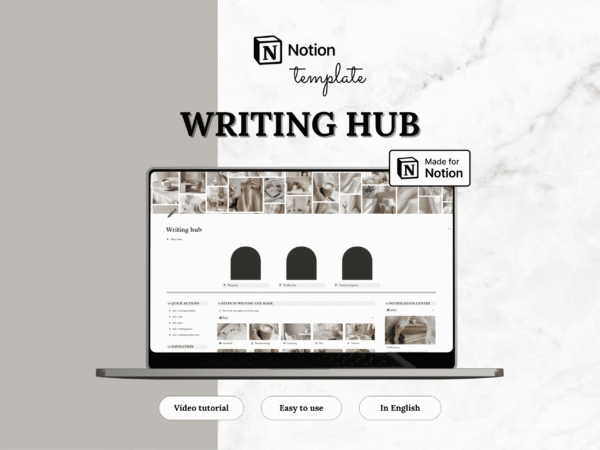
Notion template — Writing Center
Original price was: 20.00$.10.00$Current price is: 10.00$. -
Sale!
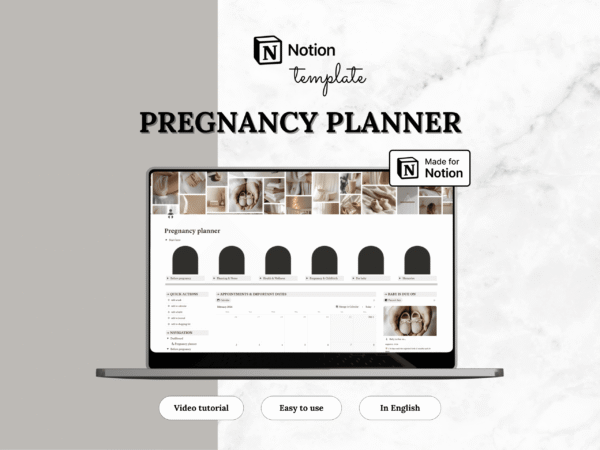
Notion template — Pregnancy planner
Original price was: 24.00$.12.00$Current price is: 12.00$. -
Sale!
Notion template — Medical planner
Original price was: 10.00$.5.00$Current price is: 5.00$. -
Sale!
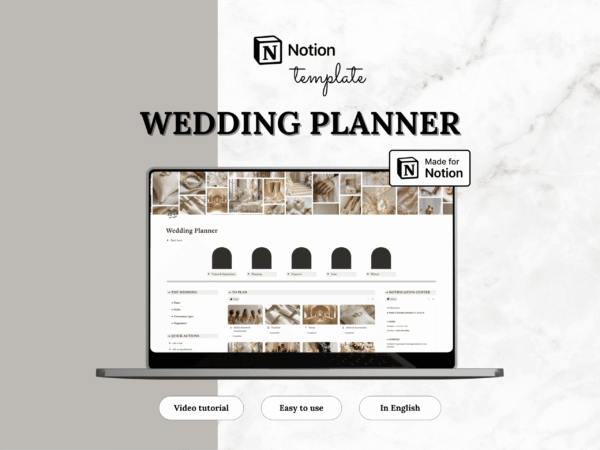
Notion template — Wedding planner
Original price was: 28.00$.14.00$Current price is: 14.00$. -
Sale!
Notion template — Language learning
Original price was: 12.00$.6.00$Current price is: 6.00$. -
Sale!
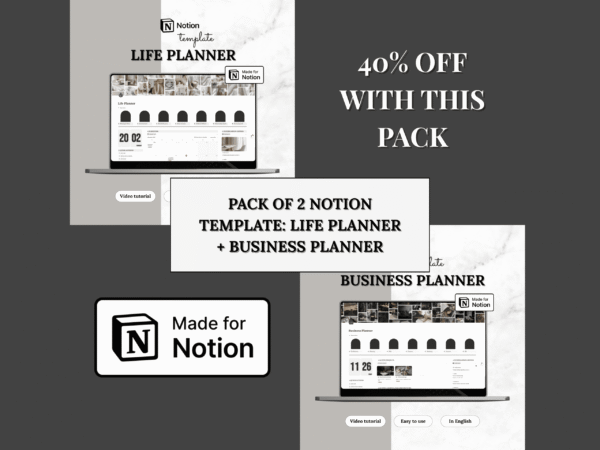
Notion templates — Life Planner & Business planner (Set of 2 templates)
Original price was: 84.00$.42.00$Current price is: 42.00$. -
Sale!
Notion template — Career planner
Original price was: 16.00$.8.00$Current price is: 8.00$. -
Sale!
Notion template — Pet planner
Original price was: 19.00$.9.50$Current price is: 9.50$. -
Sale!
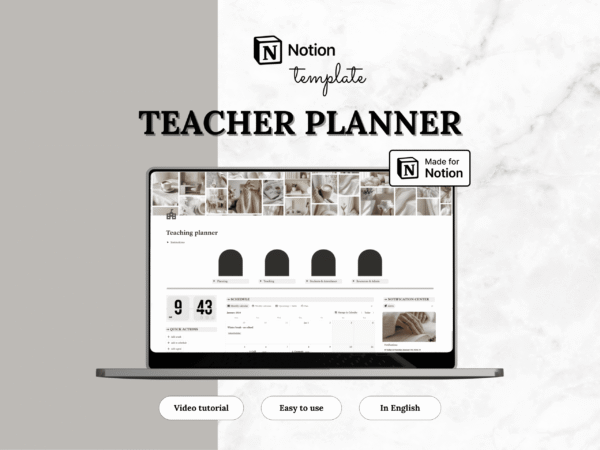
Notion template — Teacher planner
Original price was: 18.00$.9.50$Current price is: 9.50$. -
Sale!
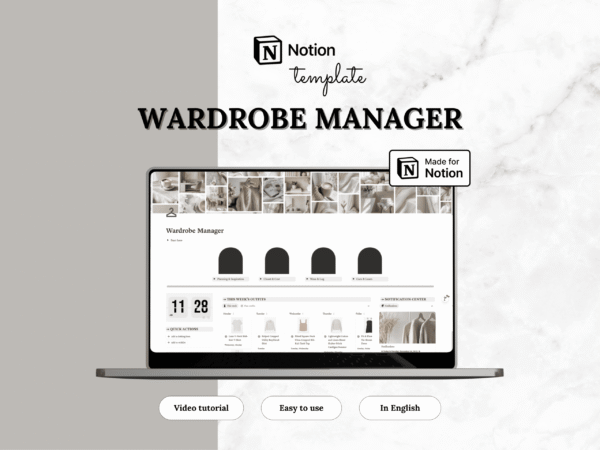
Notion template — Wardrobe Manager
Original price was: 19.00$.9.50$Current price is: 9.50$.