If you're not familiar with the productivity tool Notion yet, I'd invite you to start by reading my first article on the topic here.
Okay, now that you've read that, you know I love this tool. I go on about the many benefits that make a huge difference for me, as a solopreneur.
But beyond the advantages of choosing Notion over its competitors, I felt I owed you a look at what's actually possible with this app. How do you use Notion to get the most out of it, stay more organized, and boost your efficiency?
Why Centralize Your Tools in One Place?
Before diving into concrete uses, here's why it's genuinely worth consolidating your tools. A global study conducted by Asana, the Anatomy of Work Index, which surveyed over 13,000 knowledge workers across eight countries, found that employees switch between an average of 10 different apps, up to 25 times a day, just to get their work done. Every switch from one app to another is a bit of focus and time slipping away.
Notion won't eliminate every tool in your life, but every task, note, or project you manage to centralize in one place is one less switch in your day.
How to Use Notion: What You Can Do With the Tool
Manage Your Projects
With Notion, you can manage absolutely all of your projects. You can bring together all your tasks, deadlines, the people collaborating with you, and any other relevant info. To visualize these projects, you can use a table view, list, timeline, calendar, Kanban board, and much more. So you've got plenty of choice depending on what you prefer. You can easily give a single project multiple views. The people collaborating with you can be added to projects to view, edit, or comment.
So you can easily get the same functions found in apps like Trello, Asana, Monday.com, or ClickUp on this front. The difference is that with Notion, you can do all of it in a single space, without stacking up subscriptions.
Build a List of All Your Tasks and Sort Them However You Want
In my Notion workspace, I have what I call my Master task list. I write down absolutely all my tasks in it, from my business tasks to my personal tasks to my household chores. That gives me a full overview of everything I need to do across every area of life. Then, I play around with the tag and filter functions the app offers to split things by category and see just my business tasks, for example, giving me shorter, more manageable lists. For me, that's incredibly powerful.
Take Notes and Organize All Your Business Information
You can very easily jot down all the essential information about your business and organize it so you can refer back to it quickly, anytime. For example, I keep all my social media and website links, my offers in detail, my ideal client, my mission, vision, and company values, my visual identity, and much more. You get the idea? It's like my company wiki. It's useful at all times.
Take Notes From Coaching Sessions and Training, and Any Other Relevant Notes
If you're like me, you take a lot of courses, you read, you work with coaches, and so on. You're constantly learning and taking a lot of notes. With Notion, you can jot all of that down very clearly and organize your notes so you have simple references to consult, forever.
Do Your Annual, Quarterly, Monthly, Weekly, and Daily Planning
I mainly use Google Calendar to manage my weekly schedule. But it's entirely possible to plan both long-term and short-term inside Notion. It can genuinely replace Google Calendar, but for more efficiency, I'd suggest planning your days and weeks in Google Calendar, based on the long-term vision and goals you've set in Notion, while also using your master task list in Notion.
Worth noting: Notion now offers its own calendar app, Notion Calendar, which syncs directly with your Notion pages and databases, on top of still working with Google Calendar. If you want to cut down even further on the number of tools in your daily life, it might be worth trying, either alongside or instead of Google Calendar. It's free!
Create Databases for Your Business or Your Personal Life
You can create databases for pretty much anything: books you want to read and ones you've already read, apps and software you've discovered, a CRM to manage your clients, your habit tracker, the plants you love, and so on. The possibilities are endless.
Create Content for Your Business
Instagram, Facebook, blog, LinkedIn, Pinterest: there are so many platforms. With Notion, you can write and prepare all your posts ahead of time and do what's called batch content creation. Total freedom, nothing less! You can even have custom templates for each platform to help you create. I'm actually using it right now to write this article.
Make Lists
Project idea lists, bucket lists, subscription payment lists, home maintenance and repair lists, travel lists, books to read, movies to watch: every kind of list imaginable. I really, really love lists.
Manage Your Finances
You can build yourself a budget, keep an eye on your payments, track your expenses, and more.
You Don't Have to Build Everything From Scratch
Obviously, since Notion is fully customizable, there's a huge range of possibilities, and it would be hard to name them all. I think it's fairly clear it can replace a large number of tools and satisfy digital minimalists.
That said, this infinite flexibility has a downside too: building a complete workspace from an empty page can take an enormous amount of time, especially at the start. That's exactly why I create ready-to-use Notion templates: to give you an already structured foundation, one you just need to customize to your needs, rather than starting from zero for each of the sections described above (project management, task lists, planning, finances, and so on).
And if you prefer a more straightforward system with no learning curve, my spreadsheets for Google Sheets or Excel also cover several of these same needs, particularly for managing your finances.
You'll find both formats in my shop.
It's an incredibly powerful productivity tool that I couldn't live without anymore. It's become my second brain, my ally.
Frequently Asked Questions
Can Notion really replace several of my current tools?
Yes, for the most part. Project management, task lists, notes, and databases can all be centralized in Notion, which reduces the number of app switches in your day.
Is it hard to build your workspace in Notion?
It can be at first, due to the tool's high flexibility. An already-structured template lets you skip that step and start using it right away.
Do I need to use Notion for everything, including my calendar?
Not necessarily. A lot of people, myself included, prefer to keep Google Calendar for day-to-day scheduling, while managing the long-term vision and tasks in Notion.
Is Notion just as suited to personal life as it is to business?
Yes. The same features (databases, lists, notes) can be used just as well to run a business as to organize your personal life, finances, or projects.
Talk soon!
-
Sale!

Notion template — GTD planner
Original price was: 20.00$.10.00$Current price is: 10.00$. -
Sale!
Notion template — Event planner
Original price was: 19.00$.9.50$Current price is: 9.50$. -
Sale!
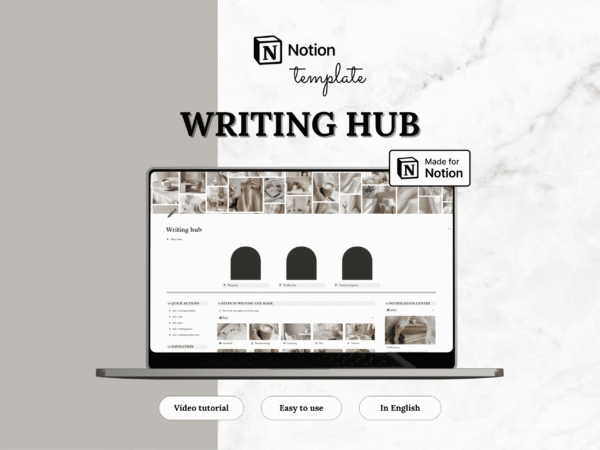
Notion template — Writing Center
Original price was: 20.00$.10.00$Current price is: 10.00$. -
Sale!
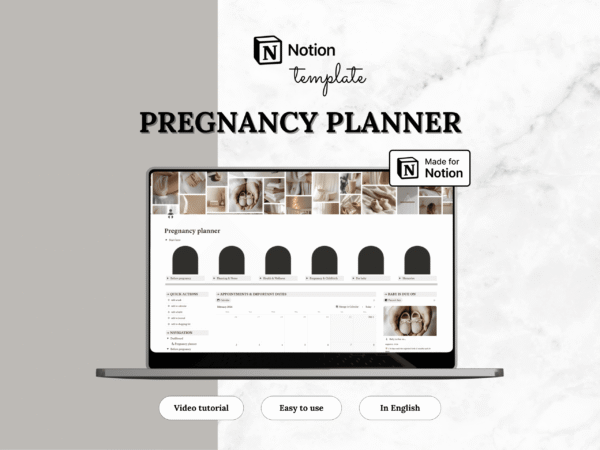
Notion template — Pregnancy planner
Original price was: 24.00$.12.00$Current price is: 12.00$. -
Sale!
Notion template — Medical planner
Original price was: 10.00$.5.00$Current price is: 5.00$. -
Sale!
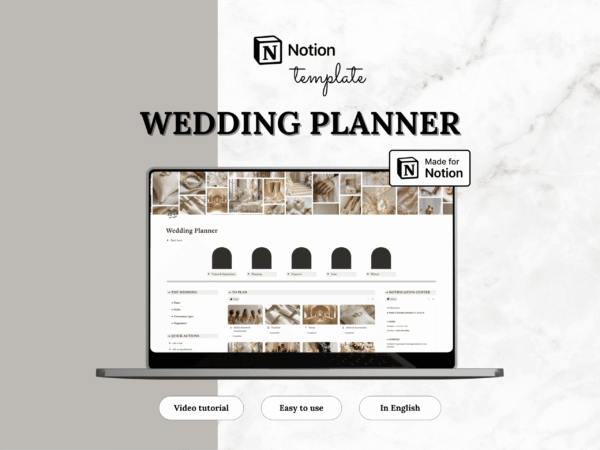
Notion template — Wedding planner
Original price was: 28.00$.14.00$Current price is: 14.00$. -
Sale!
Notion template — Language learning
Original price was: 12.00$.6.00$Current price is: 6.00$. -
Sale!
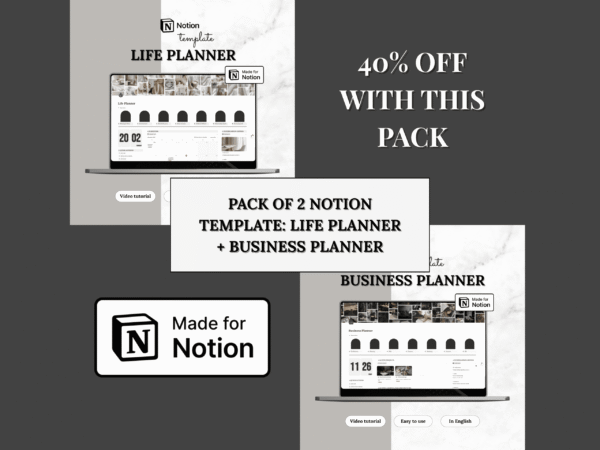
Notion templates — Life Planner & Business planner (Set of 2 templates)
Original price was: 84.00$.42.00$Current price is: 42.00$. -
Sale!
Notion template — Career planner
Original price was: 16.00$.8.00$Current price is: 8.00$. -
Sale!
Notion template — Pet planner
Original price was: 19.00$.9.50$Current price is: 9.50$. -
Sale!
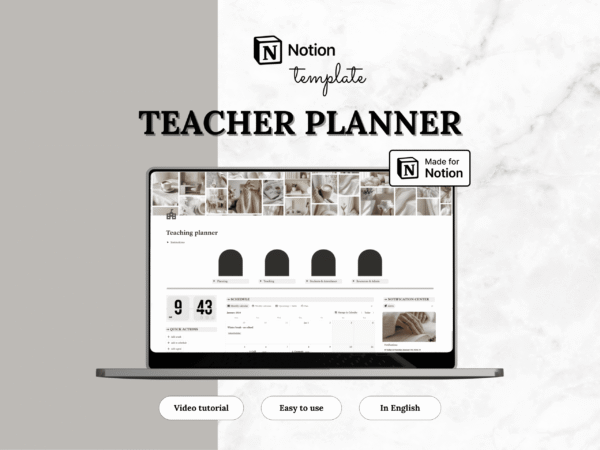
Notion template — Teacher planner
Original price was: 18.00$.9.50$Current price is: 9.50$. -
Sale!
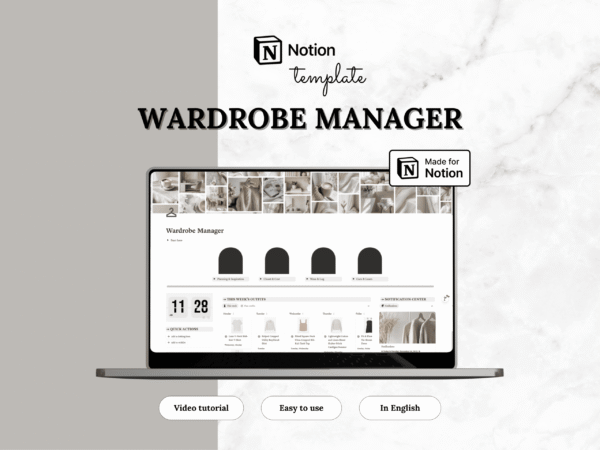
Notion template — Wardrobe Manager
Original price was: 19.00$.9.50$Current price is: 9.50$.